One-Click Style Conversion • Free Instant Trial • No Sign-Up
AI Image Converter — Transform Photos into Any Style in Seconds
Convert ordinary photos into stunning anime art, 3D clay figures, photorealistic paintings, or restored vintage masterworks. Instant browser conversion, no software installation needed.
- 3 free generations
- No sign-up
- 17 one-click studio presets
- 2K / 4K export
Drag & drop, paste, or click to upload
Up to 4 reference images · JPG / PNG / WebP · Files over 4MB are compressed to WebP in your browser (max edge 2048px)
0/4 images added
to save characters — upload once, reuse for every generation.
Choose a preset style
Selected: Anime Style · Strength auto-set to 0.7
0/1000 characters · Empty — using the preset's studio recipe automatically.
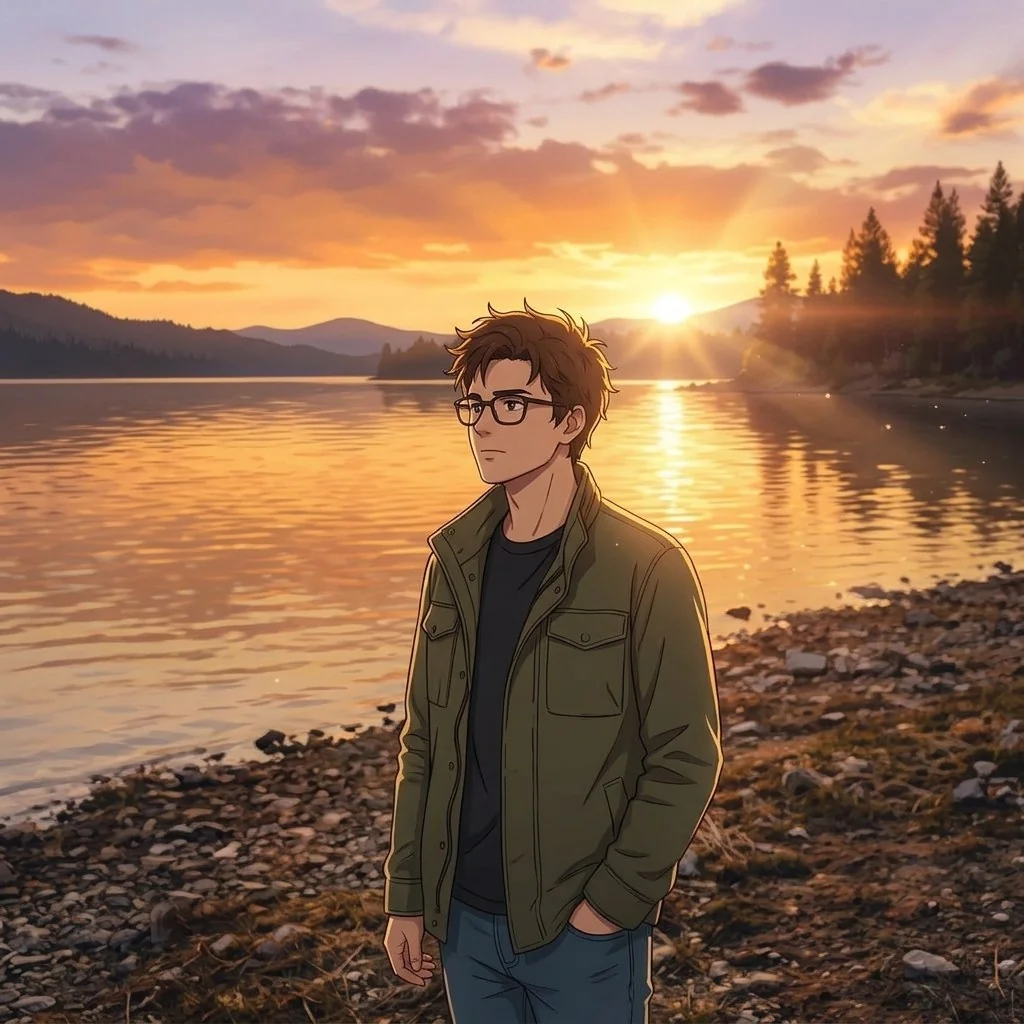
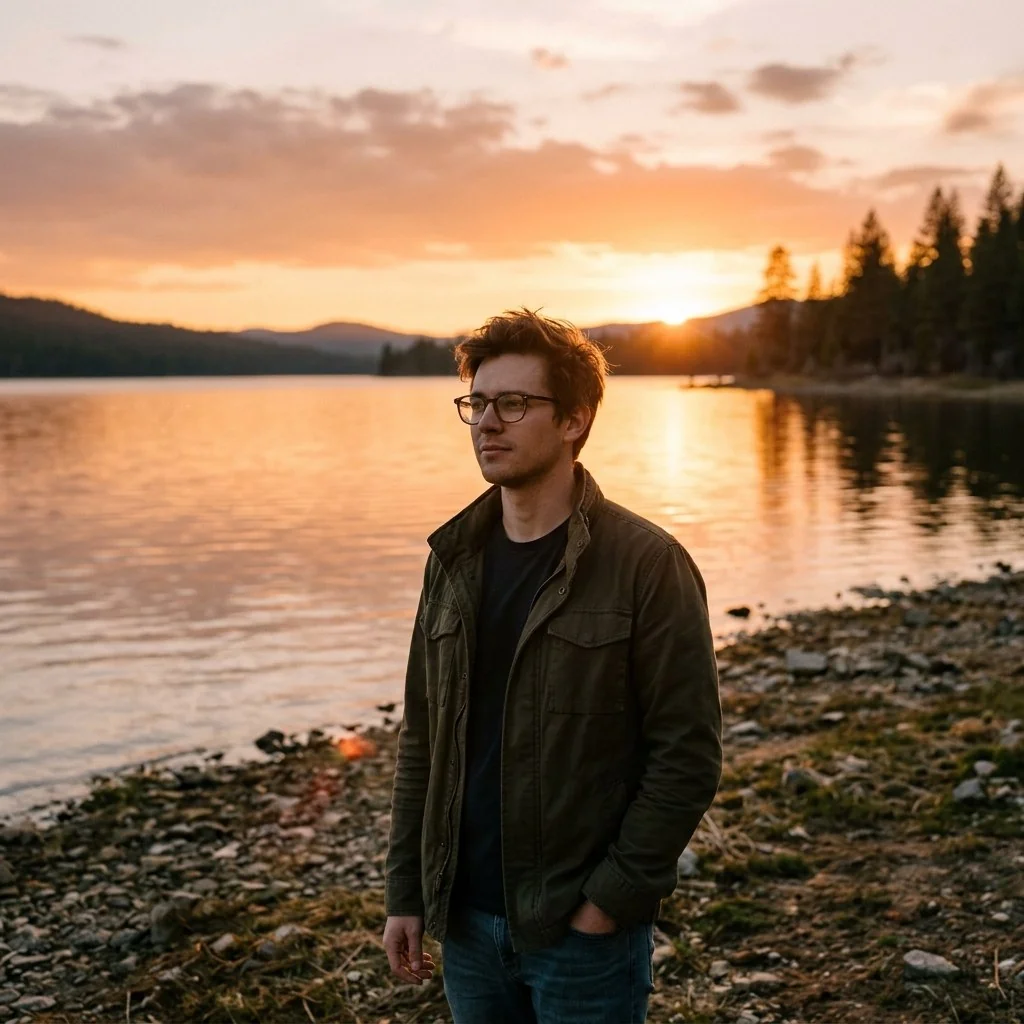
Demo preview — Real Photo to Modern Japanese Anime Conversion. Drag the handle to compare. Your generations will appear here.
Model
AI Models Info →Output resolution
Standard ~1024pxto use batch mode — up to 50 product images in one go.
First generation free · No sign-up · Fast · 1K Standard
Results are stored for 24 hours (free tier) and served from our own storage.
See the Difference — Drag the Slider
Real transformations from the workbench above. Drag the handle to compare the original with the AI result.
Real Photo to Modern Japanese Anime Conversion
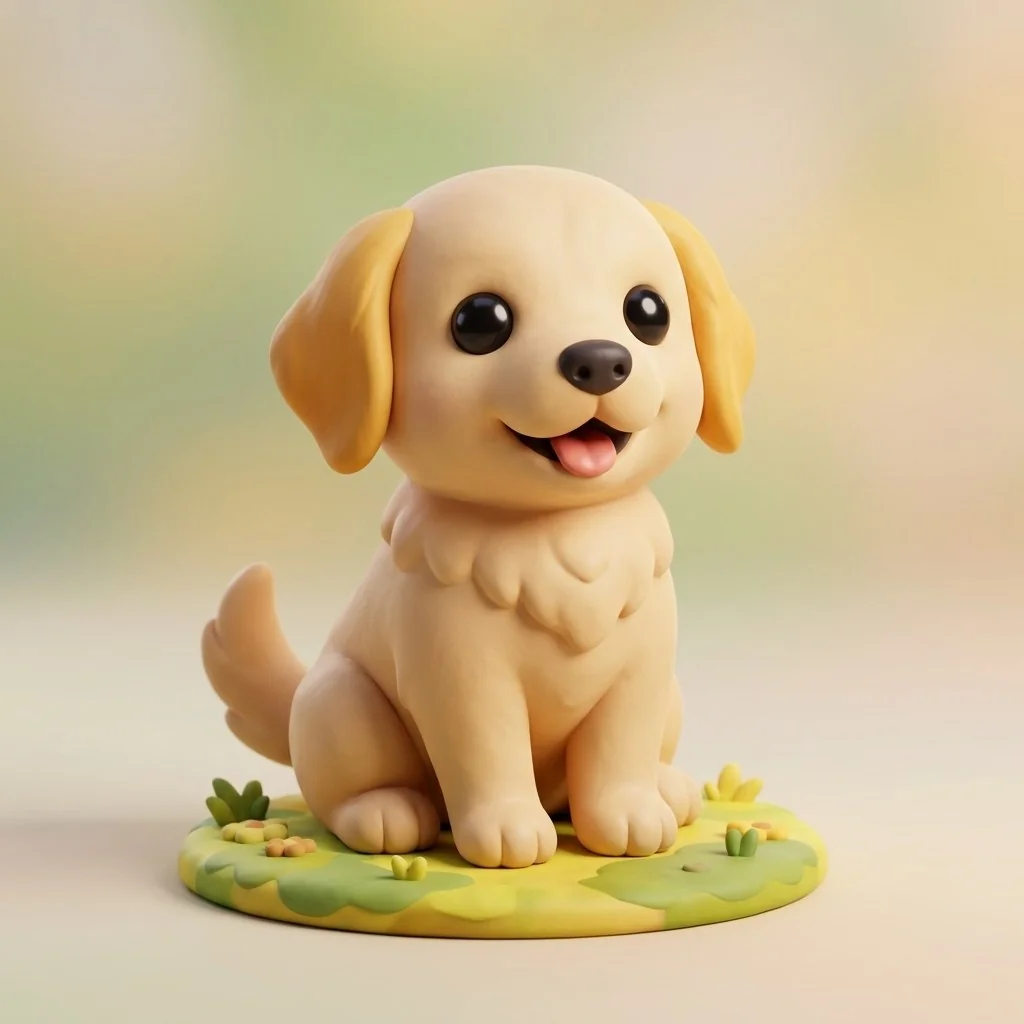
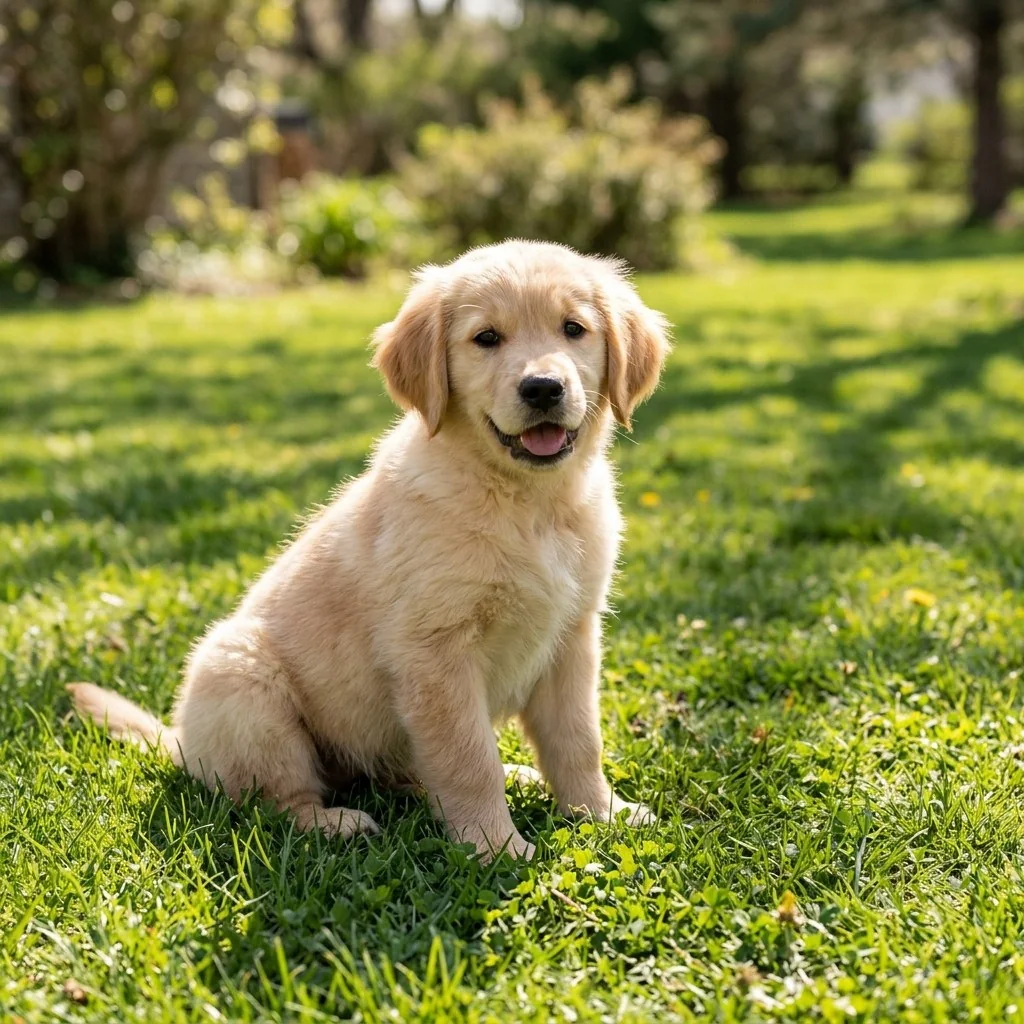
Photo to 3D Clay Toy Figure Conversion
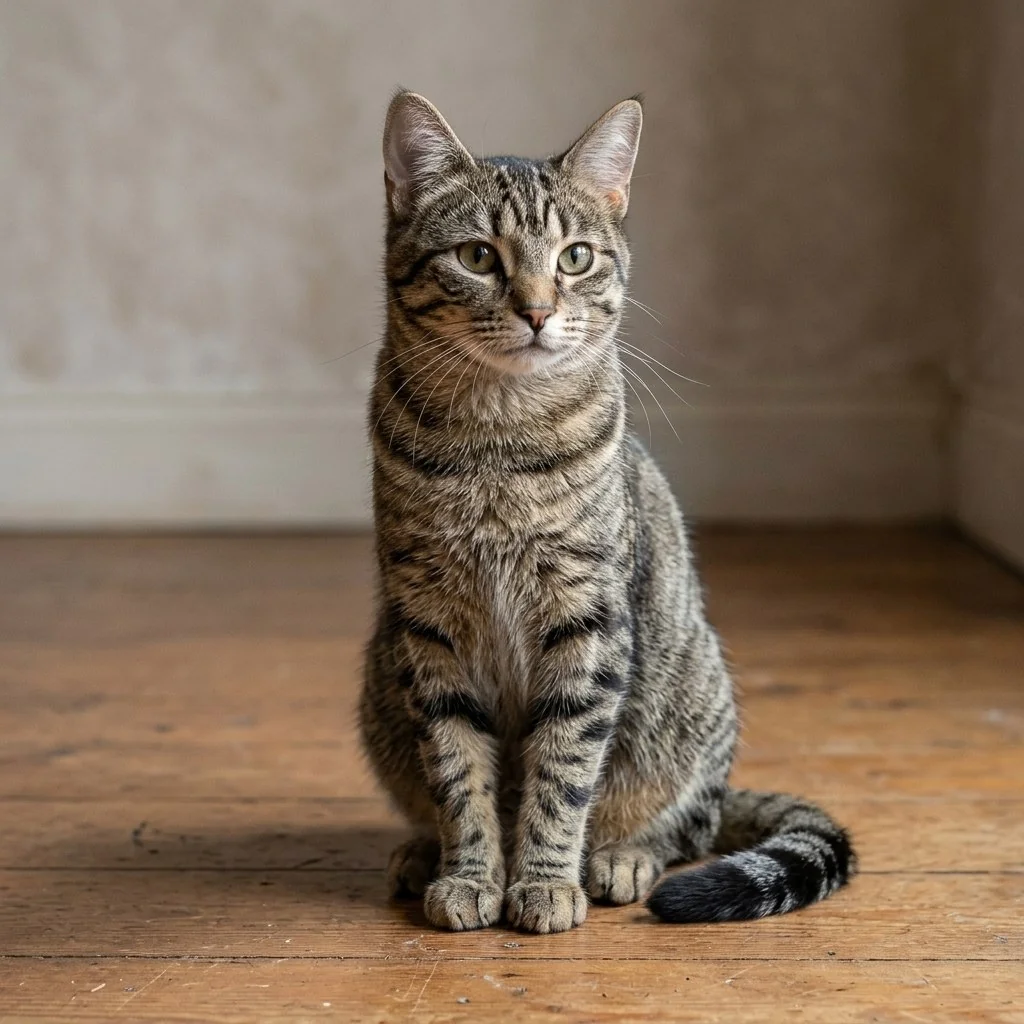
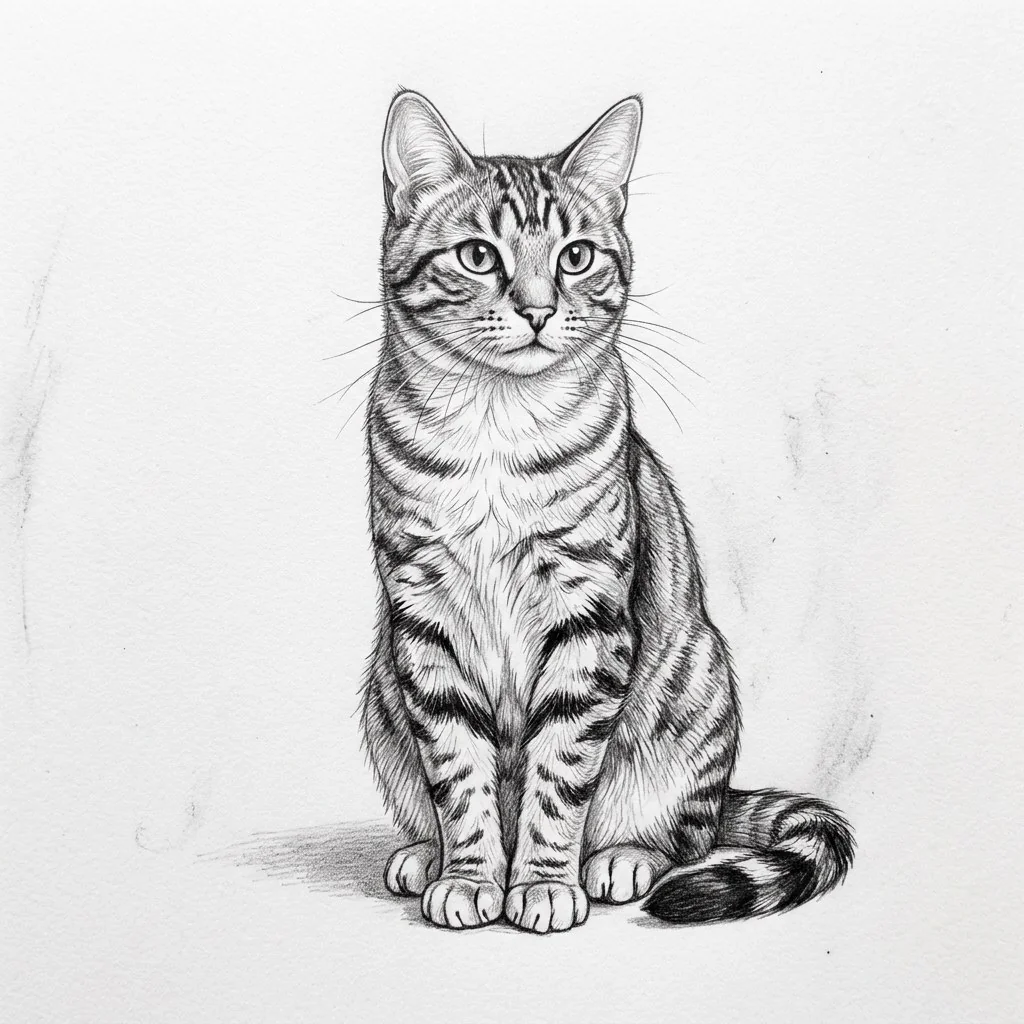
Rough Line Art to Photorealistic Scene Conversion
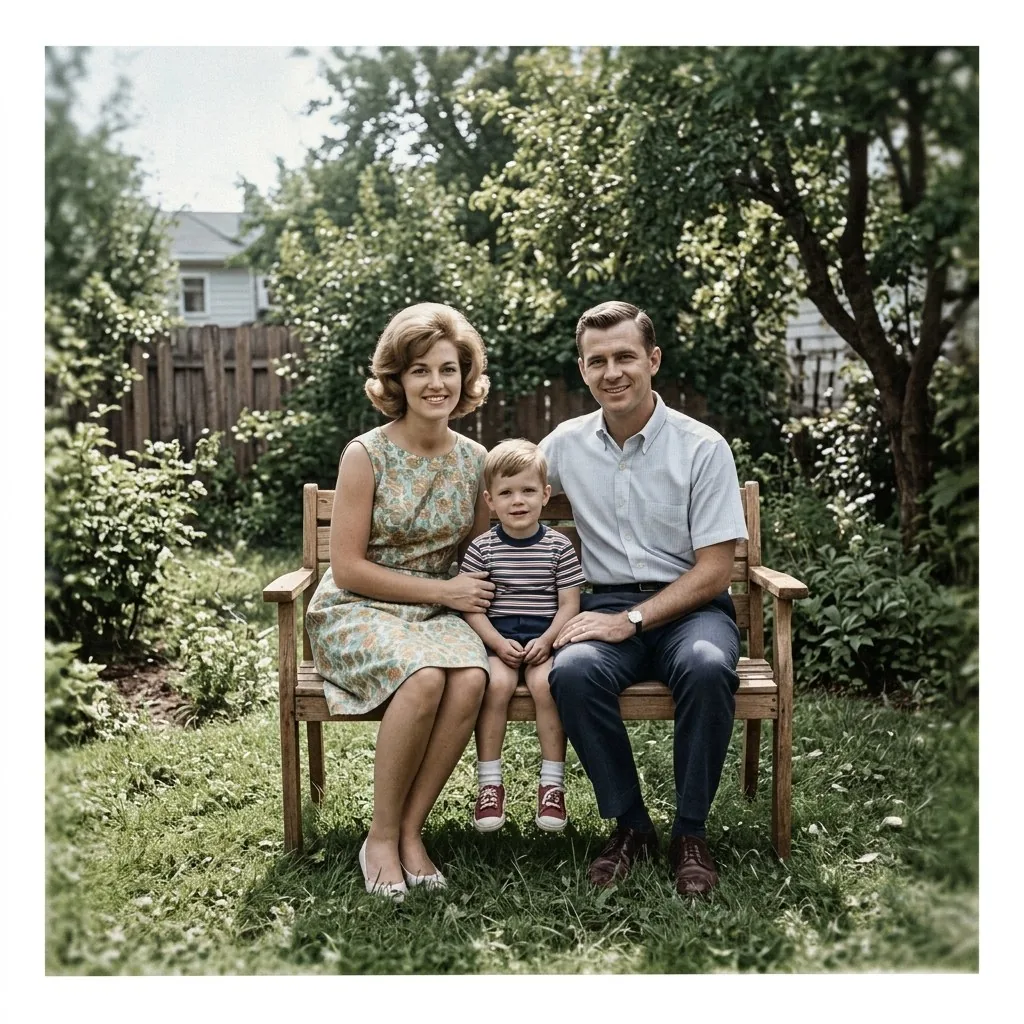
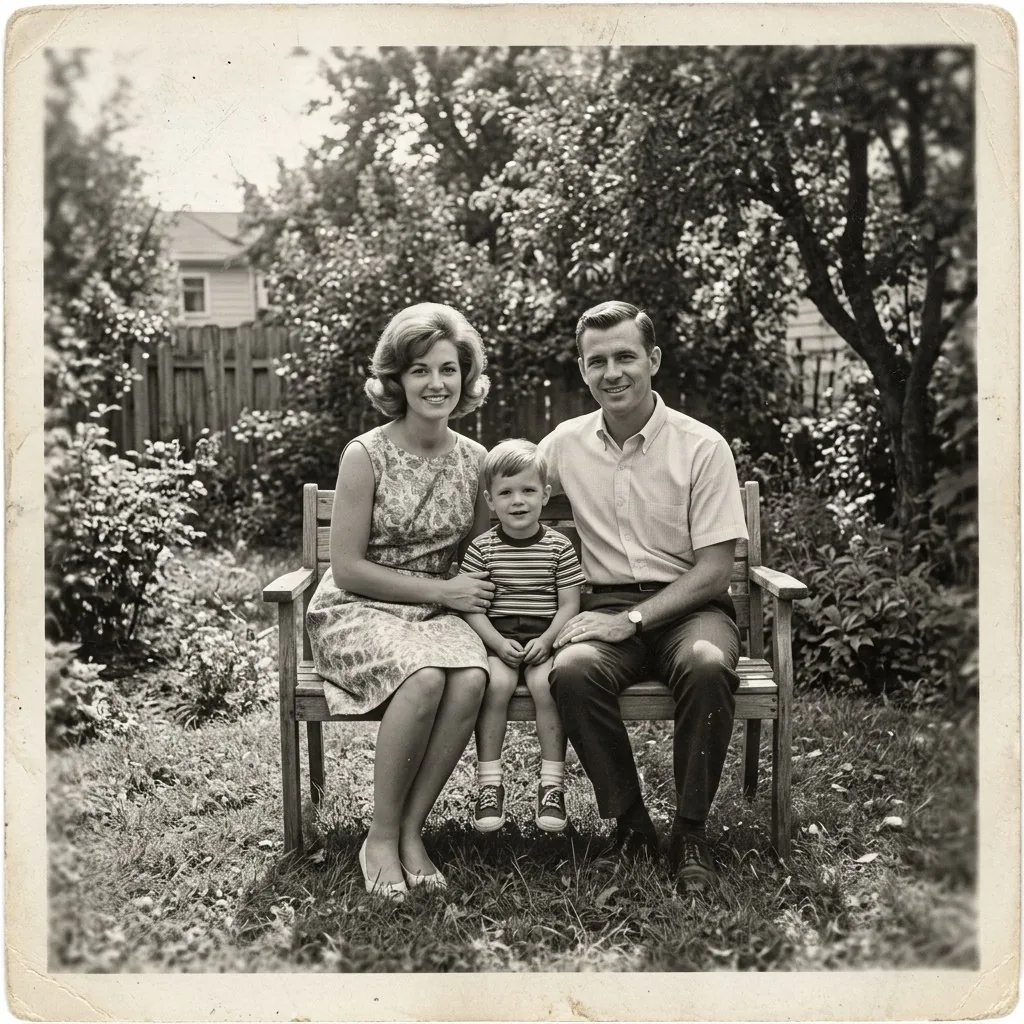
Archival B&W Photo to Colorized HD Conversion
Popular AI Image Conversions
One upload, one prompt-free preset — here is what each style is actually good for.
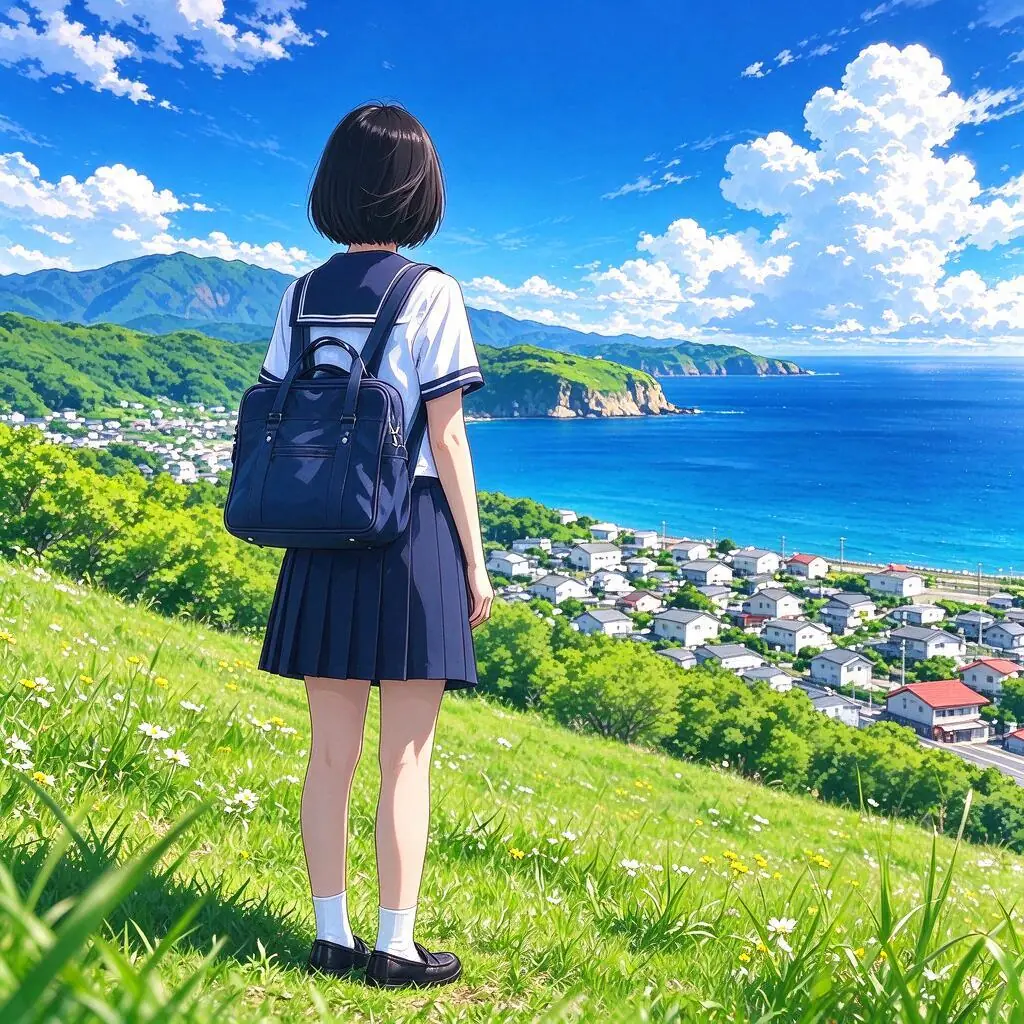
Photo to Anime & Manga Art
Convert personal selfies, couples portraits, or pet photos into vibrant Japanese anime art with authentic cel shading and expressive eyes.
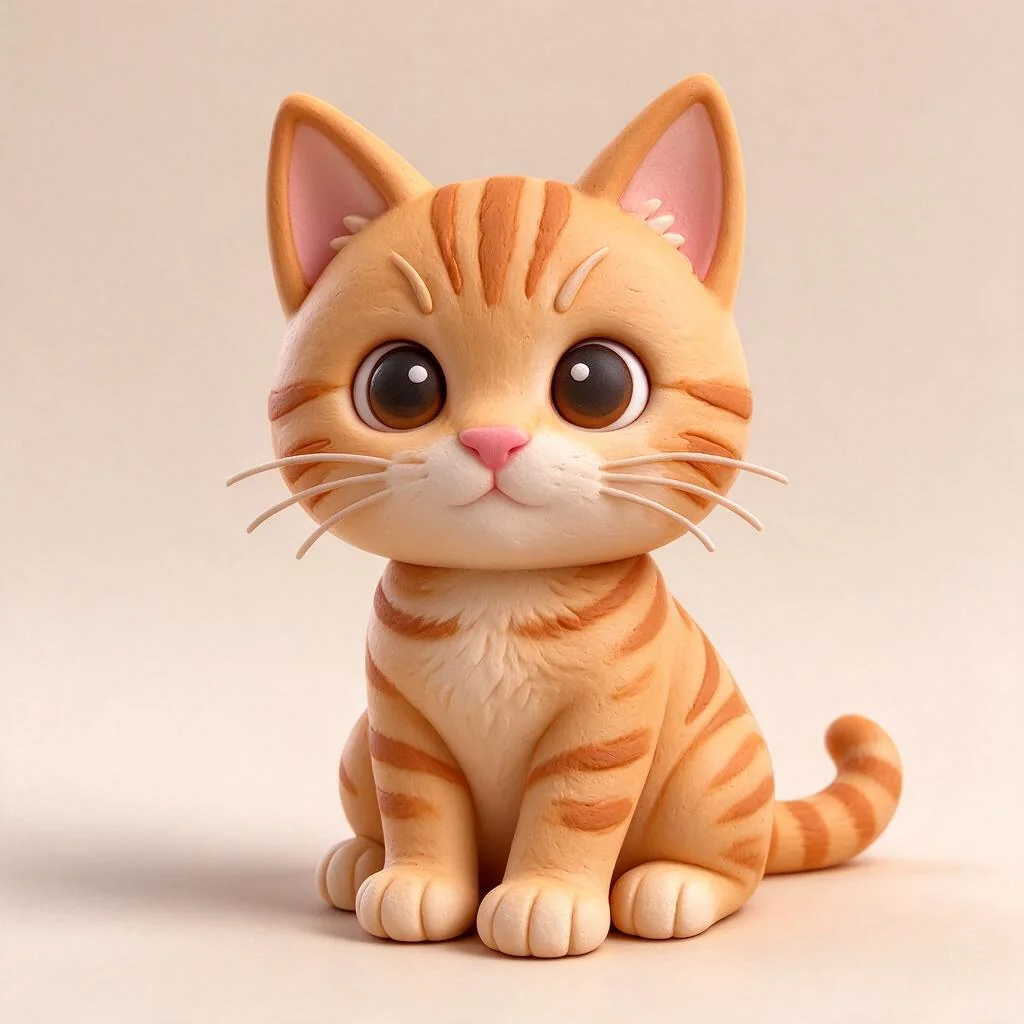
Photo to 3D Clay & Blind Box Figures
Transform portraits and pets into stylized collectible 3D figurines featuring matte clay textures, soft shadows, and playful proportions.
Sketch to Realistic Photography
Convert pencil drawings, product sketches, and line art into full-color photorealistic images with realistic lighting and physical textures.
Old Black & White Photo to Color
Convert damaged, scratched, and sepia vintage photos into sharp, naturally colorized portraits that honor original era aesthetics.
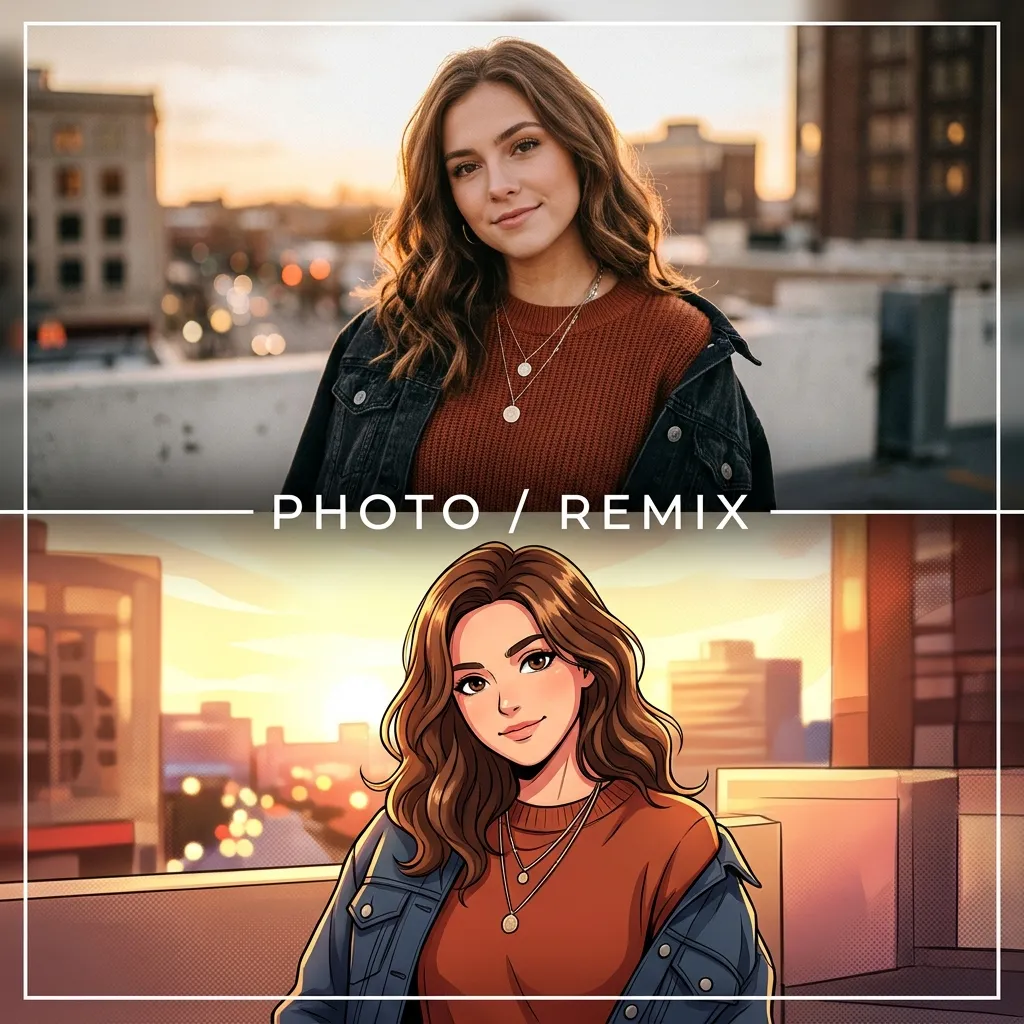
Casual Photo to Business Headshot
Convert everyday snapshots into polished executive LinkedIn headshots with studio rim lighting and executive attire.
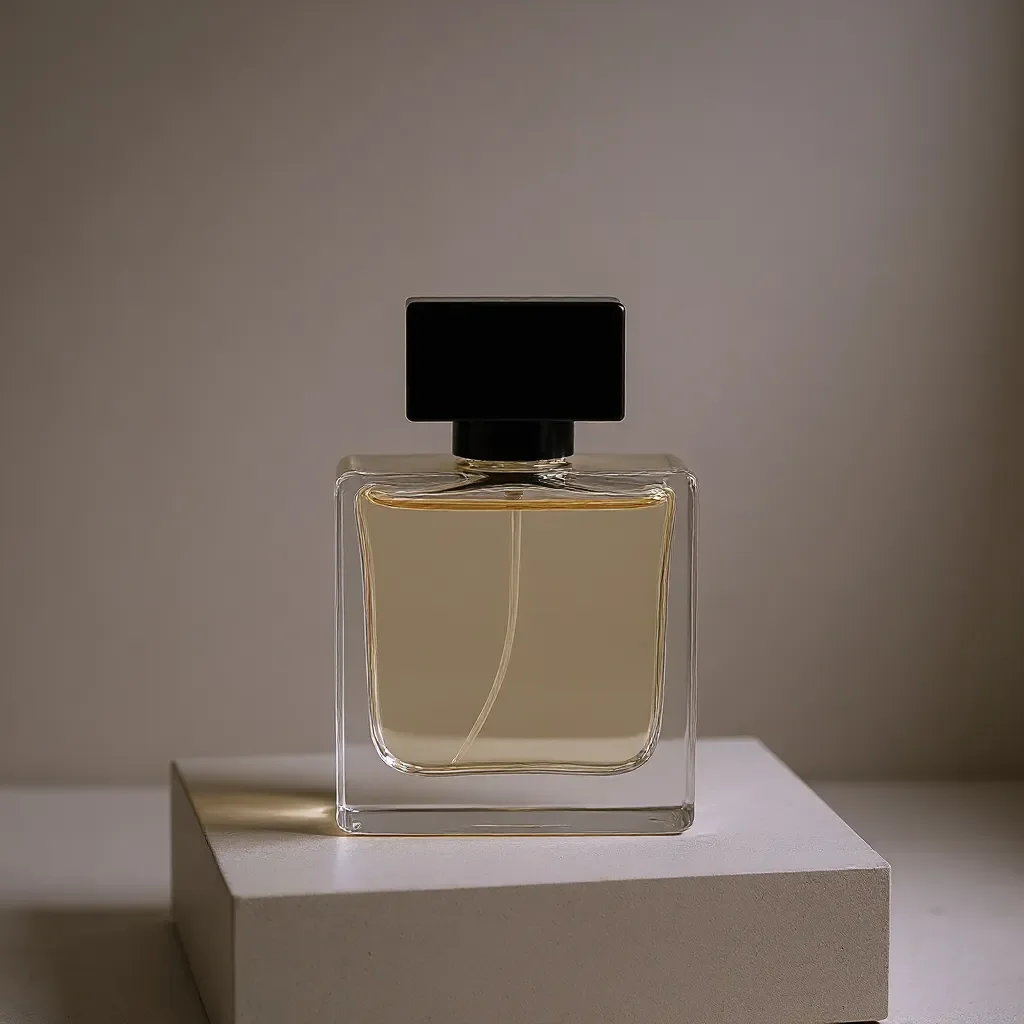
Product Snapshot to Studio Catalog
Convert smartphone product photos into clean e-commerce listings with travertine pedestals, soft shadows, and studio lighting.
How to Convert Any Photo with AI
- STEP 01
Upload your source image
Drag and drop any PNG, JPG, or WebP photo into the converter. Multi-image support lets you supply up to 4 angles for composite consistency.
- STEP 02
Select your target conversion style
Choose from Anime, 3D Clay, Sketch-to-Photo, Restoration, or any of our 12 conversion presets. Customize transformation strength as needed.
- STEP 03
Convert & export in up to 4K
Preview the converted result in seconds using our interactive Before/After comparison slider, then download in 1K, 2K, or 4K resolution.
Next-Generation Visual Style Conversion
12+ Built-in Conversion Engines
Instantly convert photos into anime, 3D toy figures, vintage risograph prints, papercraft art, or commercial studio product shots.
Face & Identity Preservation
Our neural converters lock underlying facial geometry, eye shapes, and proportions, avoiding generic uncanny AI faces.
Crisp 4K Export
Export converted artwork at up to 4096px resolution without compression blur, jagged artifacts, or loss of textural detail.
100% In-Browser Execution
No heavy software like Photoshop, Stable Diffusion, or ComfyUI to configure. Upload and convert in under 15 seconds.
Automated Refund Protection
Deducted credits are instantly refunded if an error occurs. No email tickets or waiting for customer support.
Variable Conversion Strength
Fine-tune the similarity slider from subtle enhancement (0.35) to radical artistic reinterpretation (0.85).
Frequently Asked Questions
An AI image converter is an image-to-image neural tool that transforms an existing photo from its original photographic format into another visual art form (such as anime, 3D clay render, pencil drawing, or studio portrait) while maintaining the original subject's pose, facial structure, and composition.
Explore Related AI Photo Studio Tools
Instant Browser Access • Zero Sign Up • No Login RequiredImage to Image AI No Sign Up
Test image to image AI online with no sign up, no login, and no credit card. Upload a photo or click a sample below to get 3 free transformations in 12 seconds.
Instant Anime Art • Preserves Face & Pose • No Sign-UpPhoto to Anime AI
Transform portraits, couples, pets and landscapes into vibrant modern anime art. Preserve your facial features, pose and composition with crisp line art and cel shading.
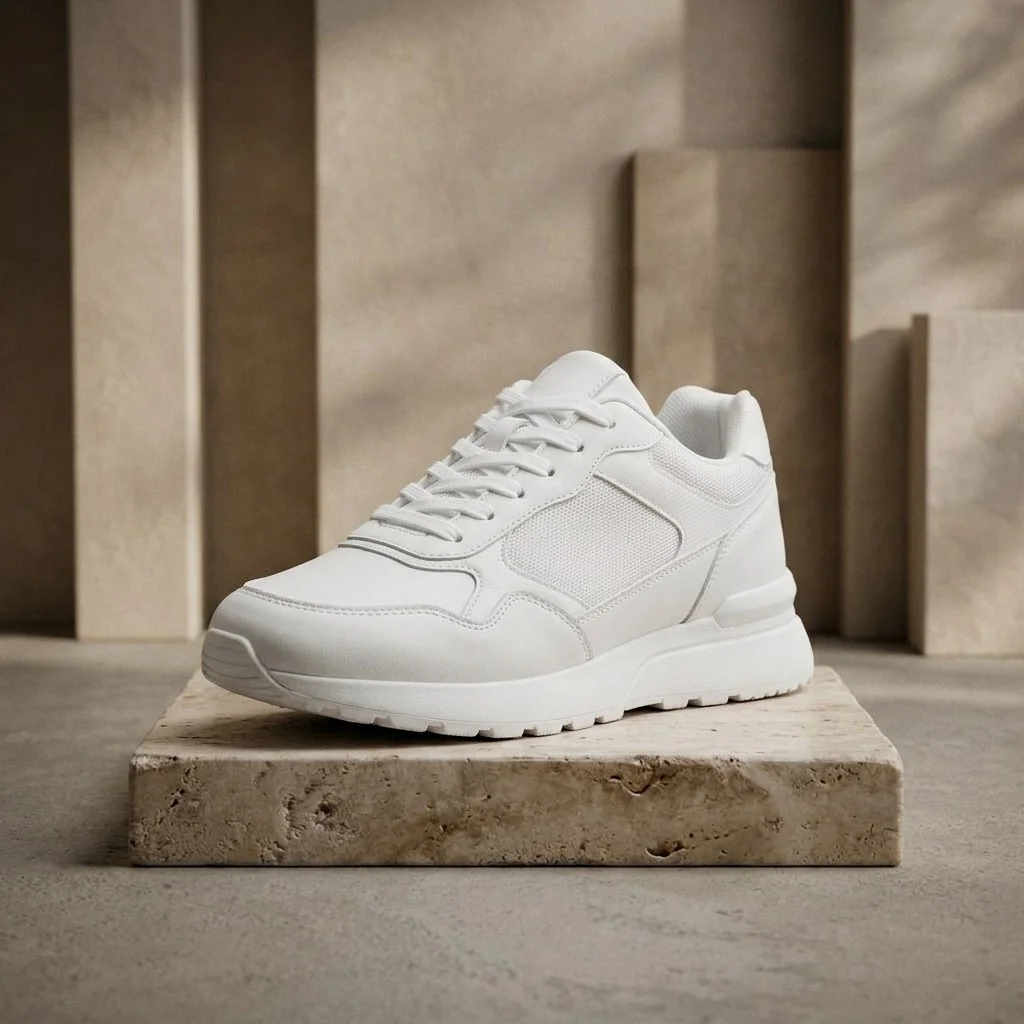 Commercial Studio Staging • 100% Brand Label Lock • Up to 4K
AI Product Photography
Turn tabletop product shots into high-converting commercial photography. Keep exact packaging, logos and labels intact while placing items on luxury stone pedestals with realistic studio lighting.
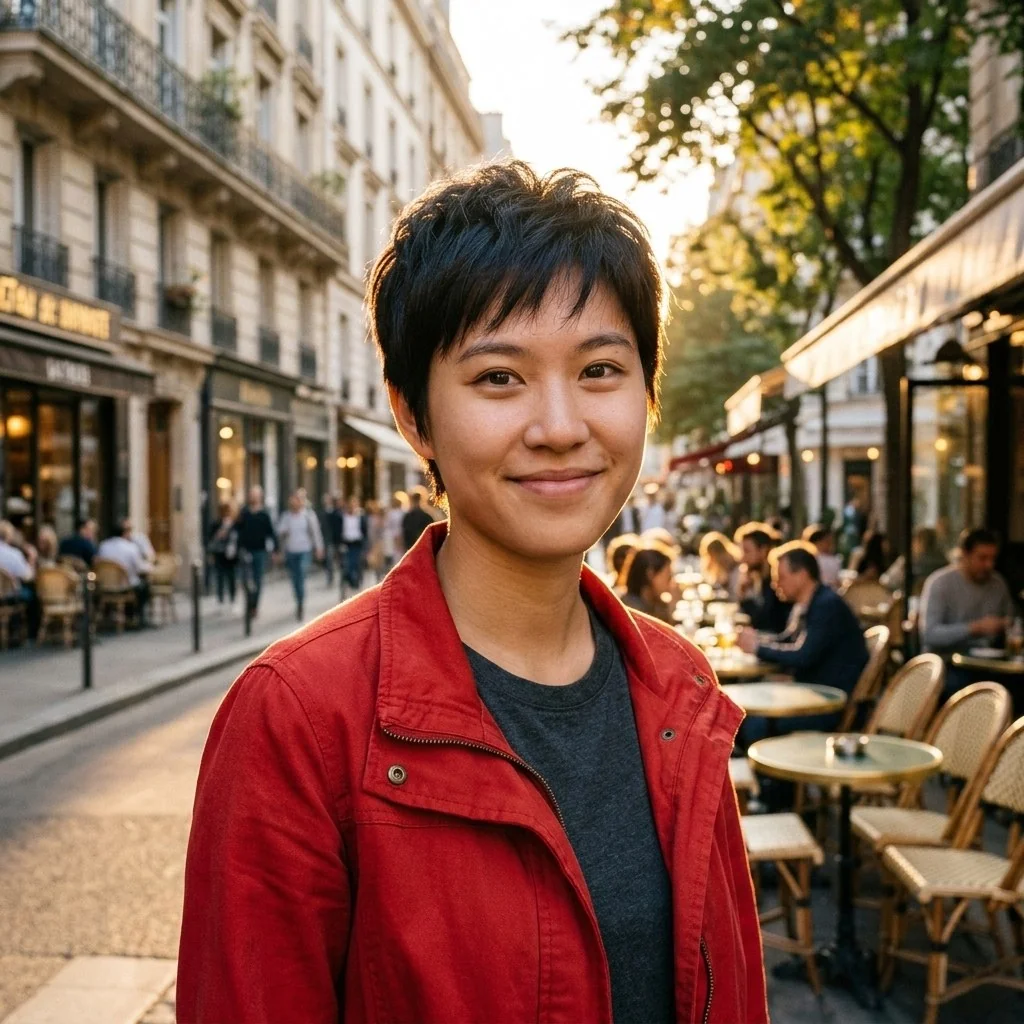 Same Face, Every Scene • Multi-Image Reference
Consistent Character AI
Keep your character's face, hairstyle and outfit identical across comics, storyboards, games and brand art. Upload up to 4 reference images and generate endless scenes with one consistent character.
Ready to Transform Your Images?
Your first generation is free — no sign-up, no credit card. Upload a photo and see the result in under a minute.
Start Free — No Sign-Up