Sketch In, Photo Out • Free Trial
Sketch to Image AI — Turn Drawings into Realistic Photos
Upload a sketch, line drawing or clay model and get a photorealistic image in seconds. Composition stays yours — the AI adds materials, lighting and detail.
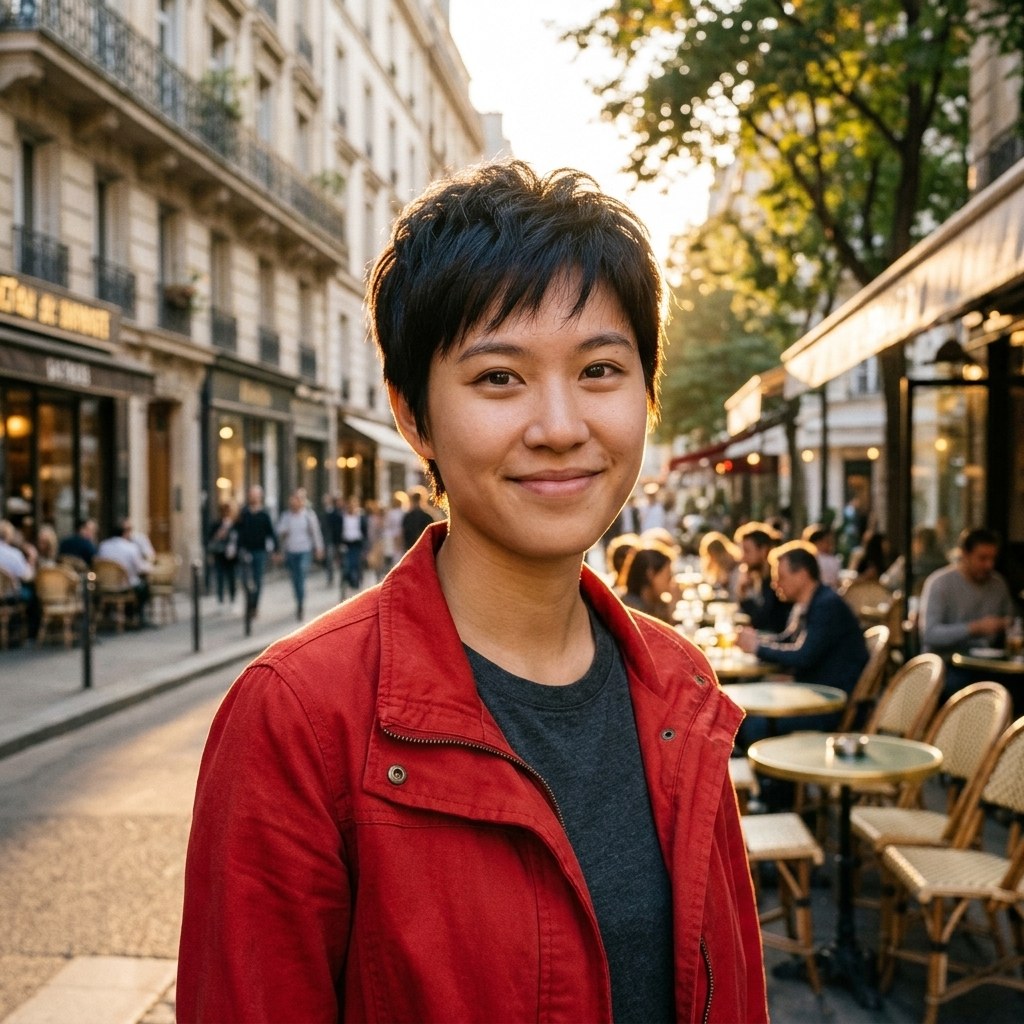
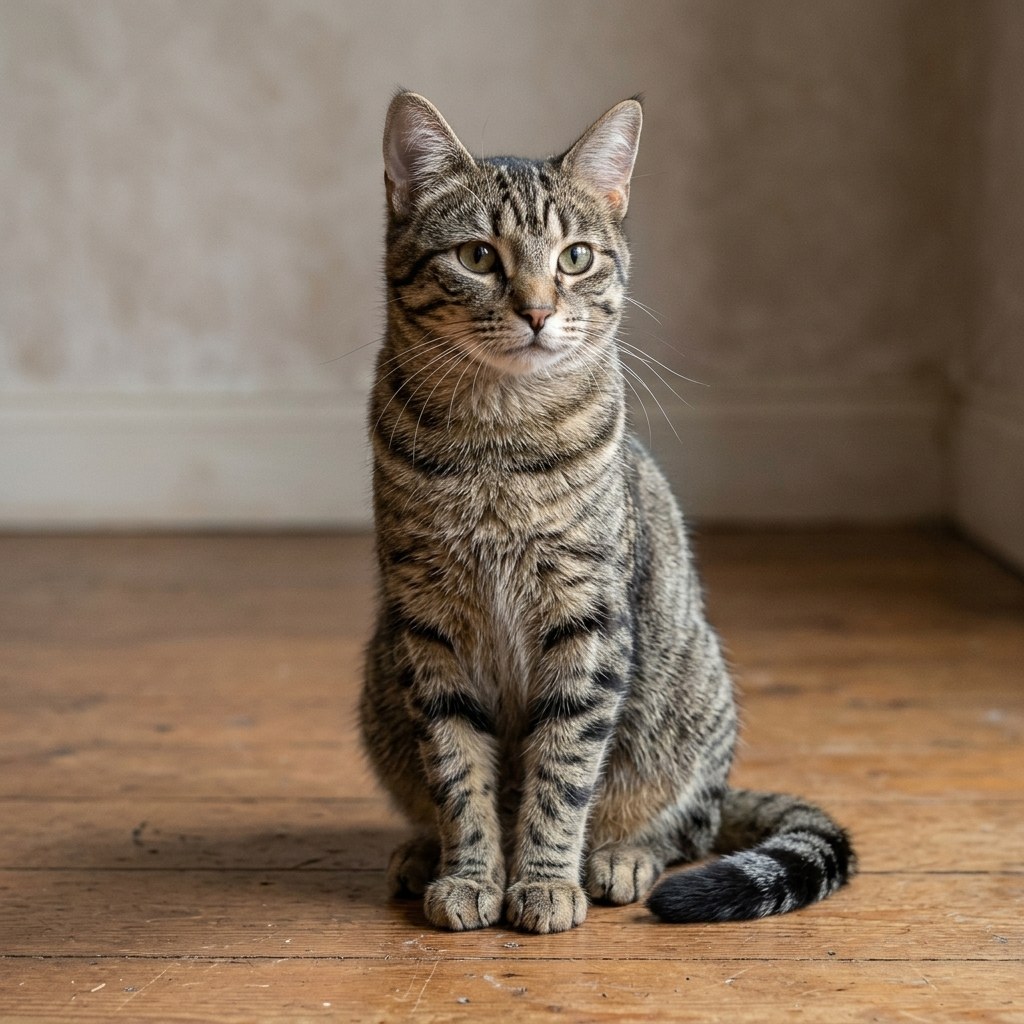
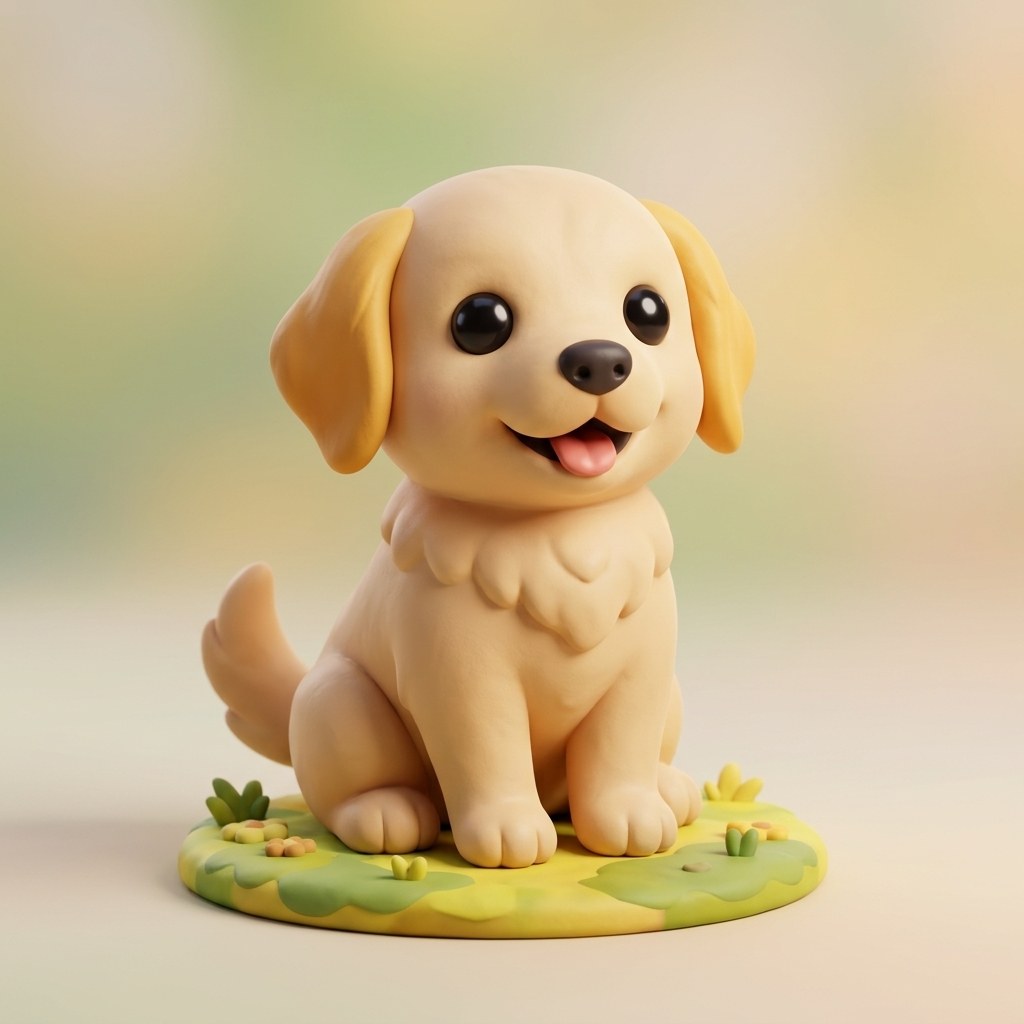
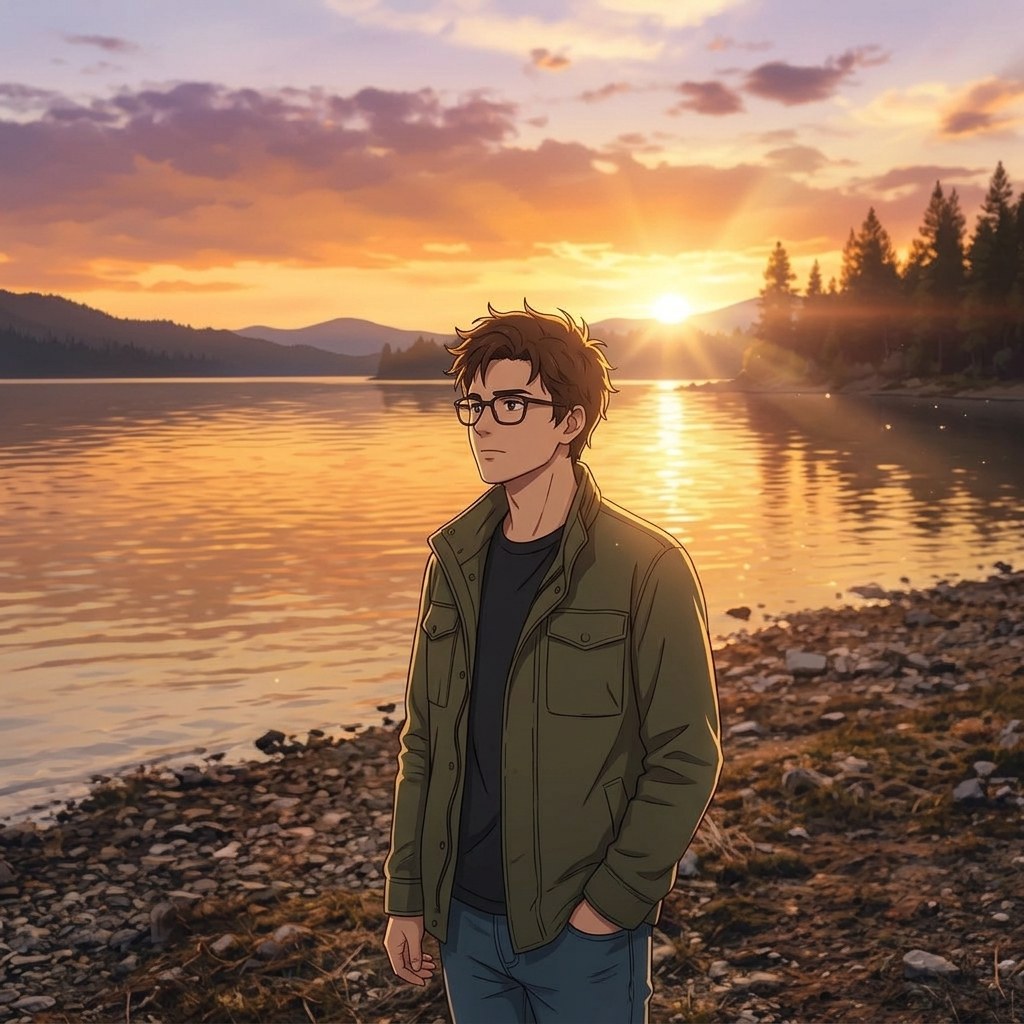
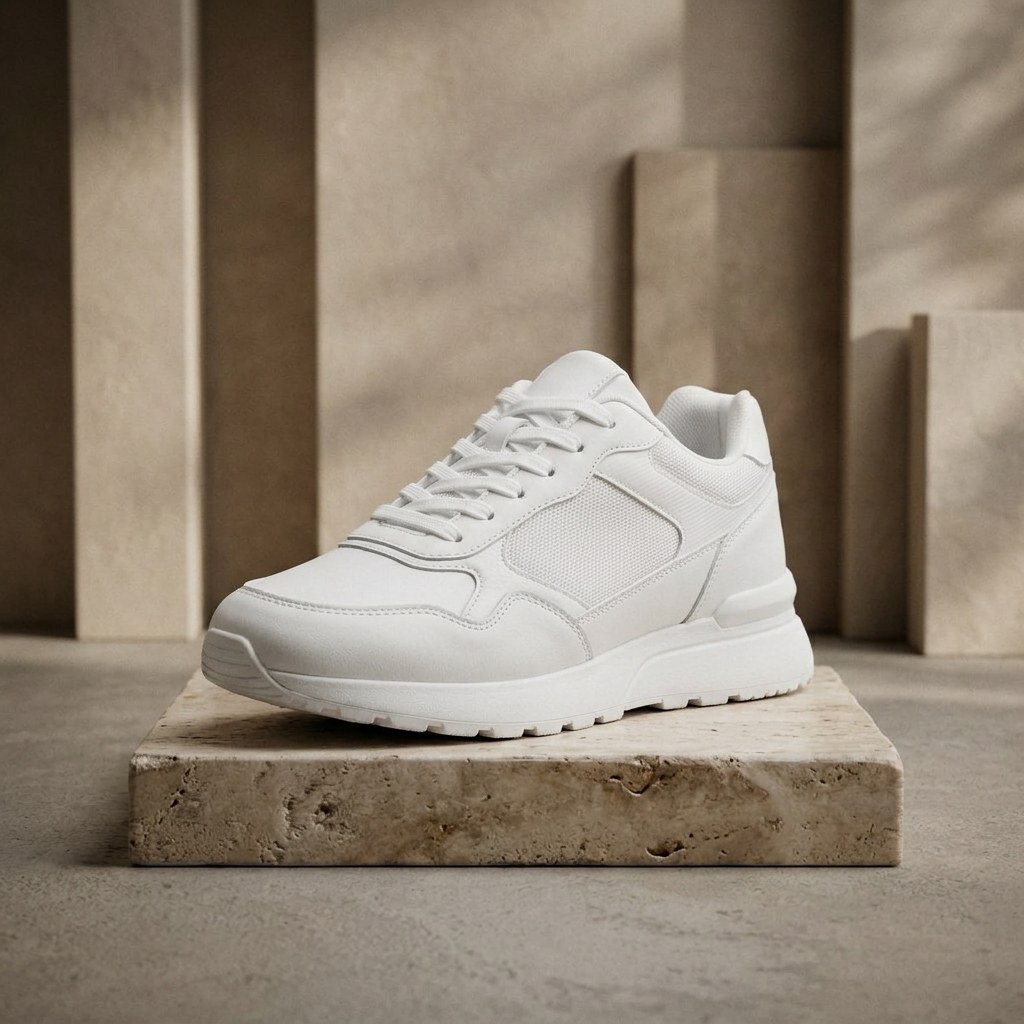
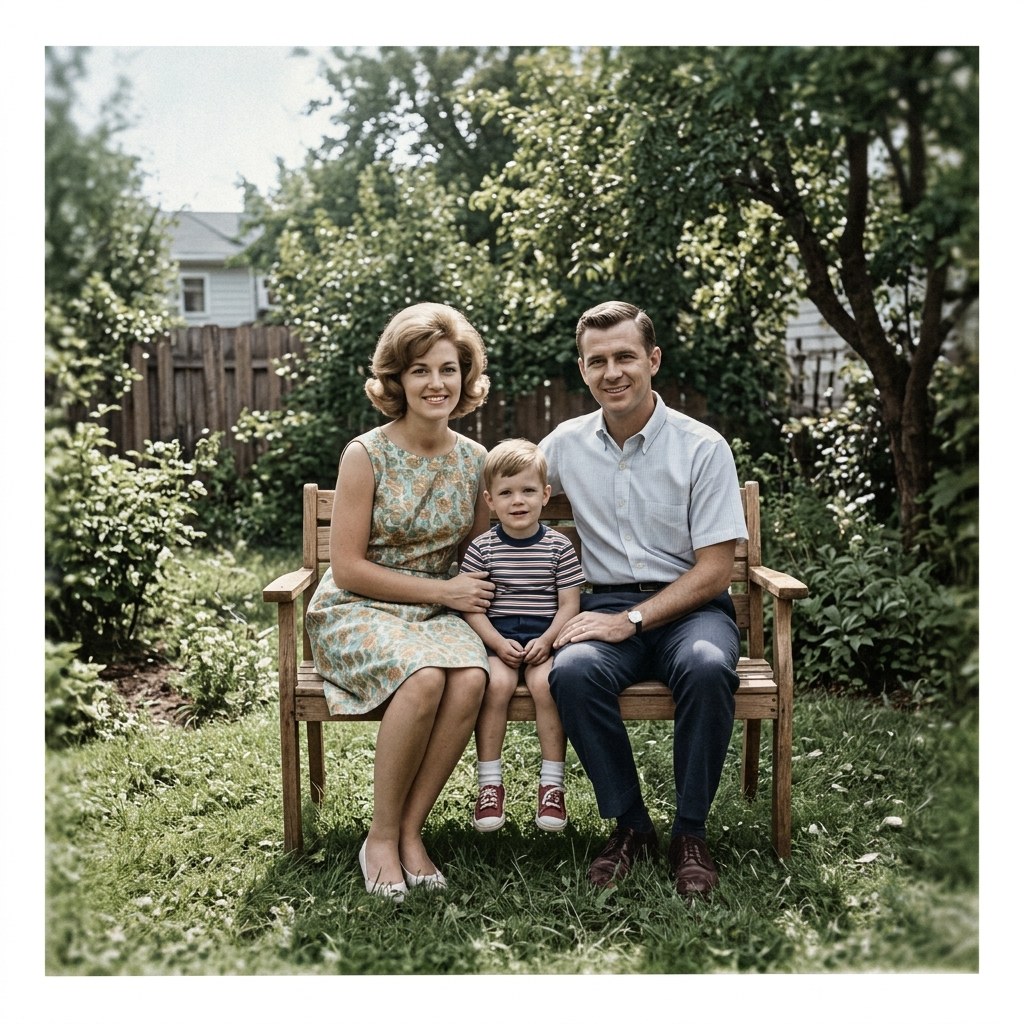
Made with ImgRemix — drag the sliders below to compare before & after.
- 3 free generations
- No sign-up
- 7 one-click styles
- 2K / 4K export
Drag & drop, paste, or click to upload
Up to 4 reference images · JPG / PNG / WebP · Files over 4MB are compressed to WebP in your browser (max edge 2048px)
0/4 images added
to save characters — upload once, reuse for every generation.
177/1000 characters · This text is sent as the edit instruction.
Or start from a preset
Selected: Sketch to Realistic · Strength auto-set to 0.8
Model
Aspect ratio
Output resolution
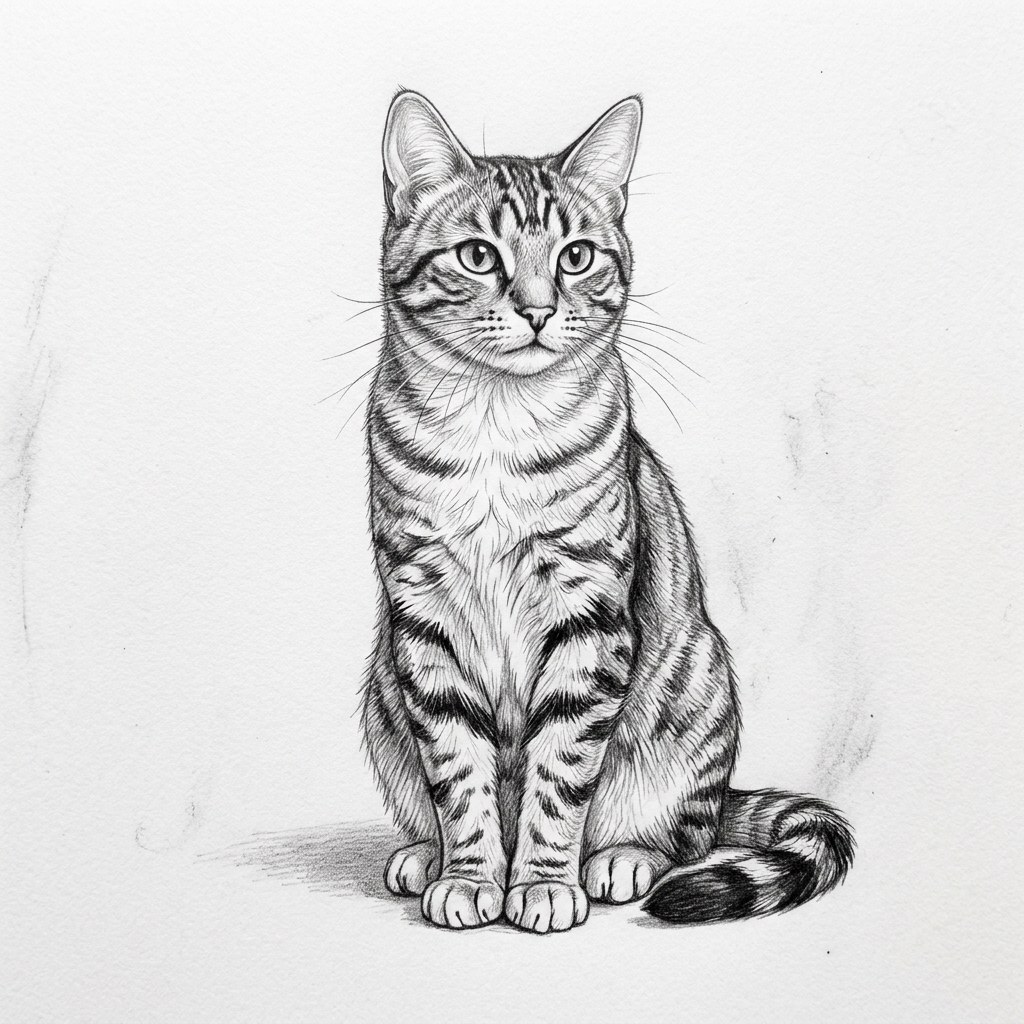
Demo preview — Line Sketch to Photorealistic Landscape. Drag the handle to compare. Your generations will appear here.
to use batch mode — up to 50 product images in one go.
First generation free · No sign-up · Fast 1.0 · 1K Standard
Results are stored for 24 hours (free tier) and served from our own storage.
See the Difference — Drag the Slider
Real transformations from the workbench above. Drag the handle to compare the original with the AI result.
Line Sketch to Photorealistic Landscape
Prompt: “Convert the sketch or clay render into a photorealistic image. Preserve the composition, proportions and pose. Add realistic materials, natural lighting and fine surface detail.”
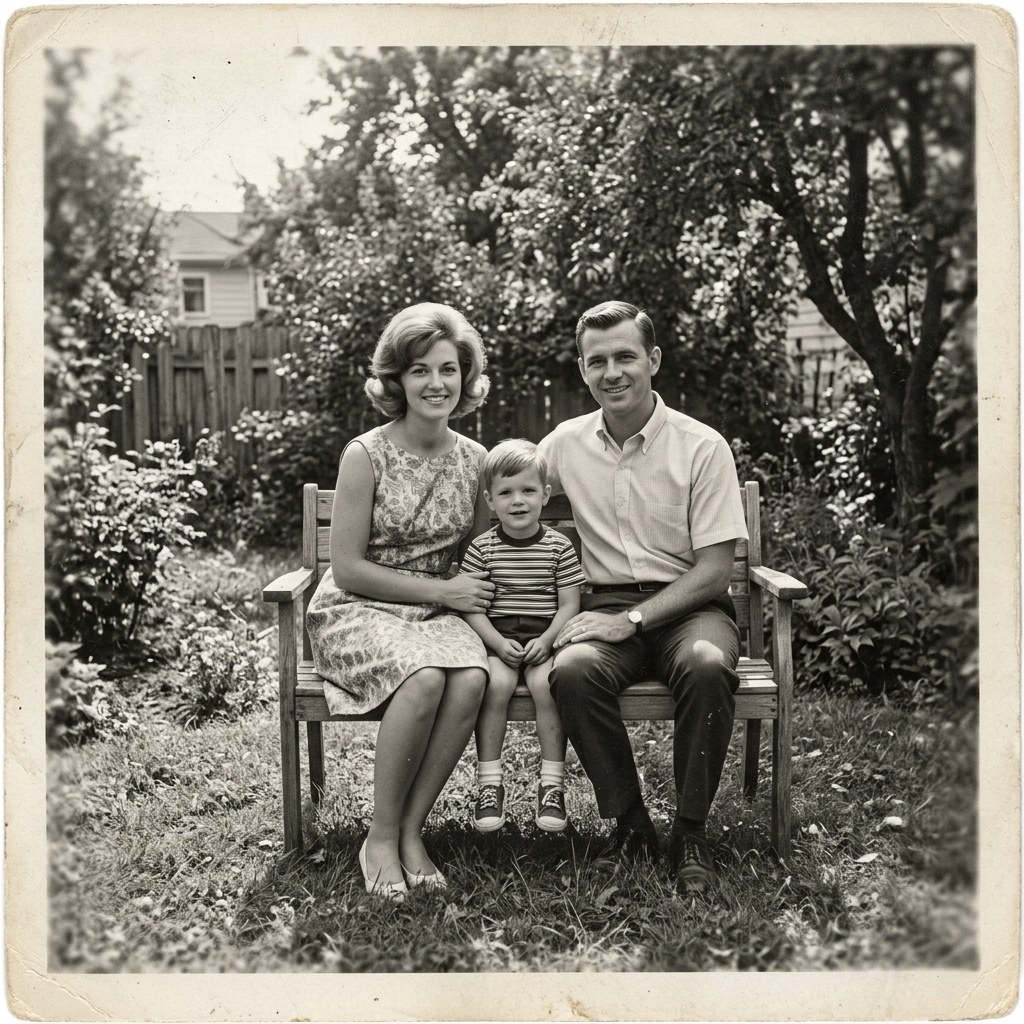
Faded Drawing to Full Color
Prompt: “Restore this old photo: remove scratches, dust and fading. Colorize naturally and sharpen facial details while preserving the original look and era.”

Clay Model to Product Render
Prompt: “Restyle the photo as a cute 3D clay render / blind-box toy figure. Soft studio lighting, smooth matte surfaces, playful proportions, clean background.”
Sketch to Image AI — What to Draw First
One upload, one prompt-free preset — here is what each style is actually good for.
Line sketch to photorealistic photo
A pencil sketch of a cat, a product or a portrait becomes a photo. Your lines guide the AI; the result keeps your composition and pose.
Faded drawing to full color
An old, faded drawing gets its color and detail back — the AI fills in light and texture while keeping your original lines.
Clay model to product render
A rough clay model or sketch becomes a clean 3D-style product render, ready for a listing or a pitch deck.
Same character, new scene
Keep the face, hairstyle and outfit locked while the AI moves your character to a new scene, lighting and mood.
Photo to anime style
Redraw any photo in a polished modern anime style. Clean line work, cel shading and vibrant color, with the original pose kept.
Product background swap
The product stays pixel-perfect — same shape, label and colors — while the background becomes a premium studio scene.
How Sketch to Image AI Works
- 1
Upload your sketch
Upload a sketch, line drawing, white model or clay render. Photos of paper sketches work fine — just keep the lines visible.
- 2
Set realism strength
Sketch to Realistic is pre-selected. Set the strength: high for full realism, low to keep the hand-drawn feel.
- 3
Generate & refine
Generate and compare with the slider. Remix the result with a different style or upscale to 4K for presentation.
From Rough Sketch to Finished Render
Line Art to Photo
Clean line art becomes a finished photo while keeping your composition and pose.
Realism Control
Strength slider from 0.1 to 1.0: stay faithful to the sketch or let the AI invent detail.
Sketch, Clay & White Model
Sketch, clay render and white model all convert — upload whichever you have.
Free to Try
Try sketch-to-photo free with no sign-up — the fastest way to test the tool.
4K Concept Renders
Export concept renders at 2K HD or 4K Ultra for client presentations.
Private by Design
Your sketches auto-delete and are never used to train models.
Frequently Asked Questions
Sketch to image AI converts a hand-drawn sketch, line art or clay render into a finished realistic photo. It preserves your composition and proportions while adding materials, lighting and detail.
Ready to Transform Your Images?
Your first generation is free — no sign-up, no credit card. Upload a photo and see the result in under a minute.
Start Free — No Sign-Up