Same Face, Every Scene • Multi-Image Reference
Consistent Character AI Generator — Same Character, Every Scene
Keep your character's face, hairstyle and outfit identical across comics, storyboards, games and brand art. Upload up to 4 reference images and generate endless scenes with one consistent character.
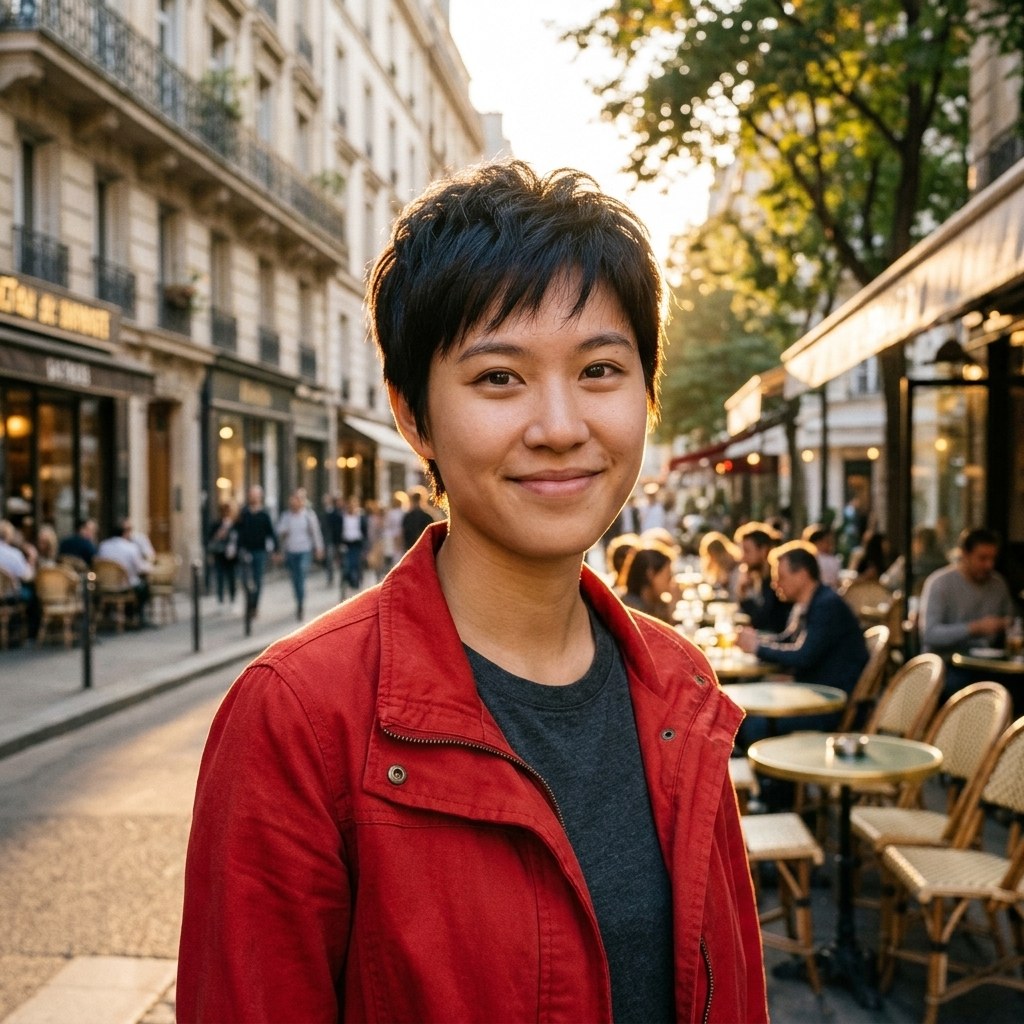
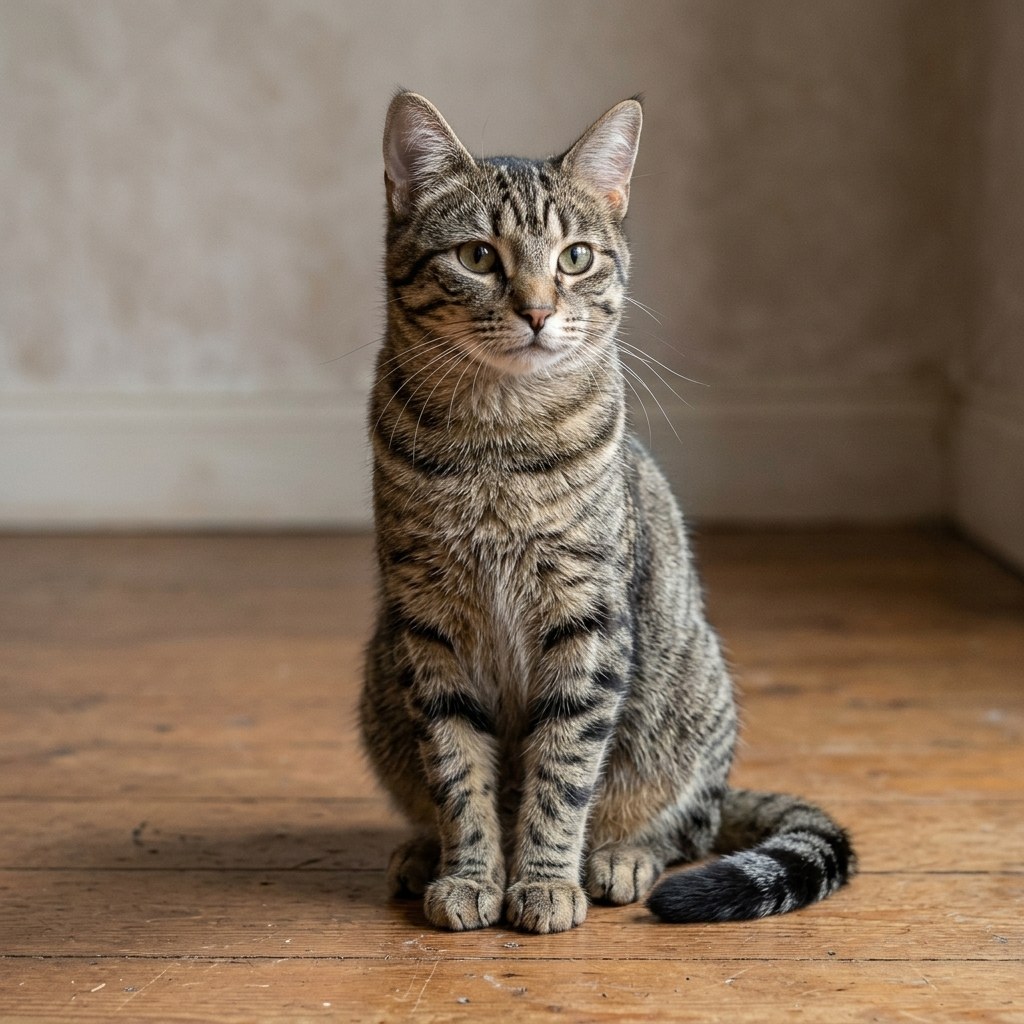
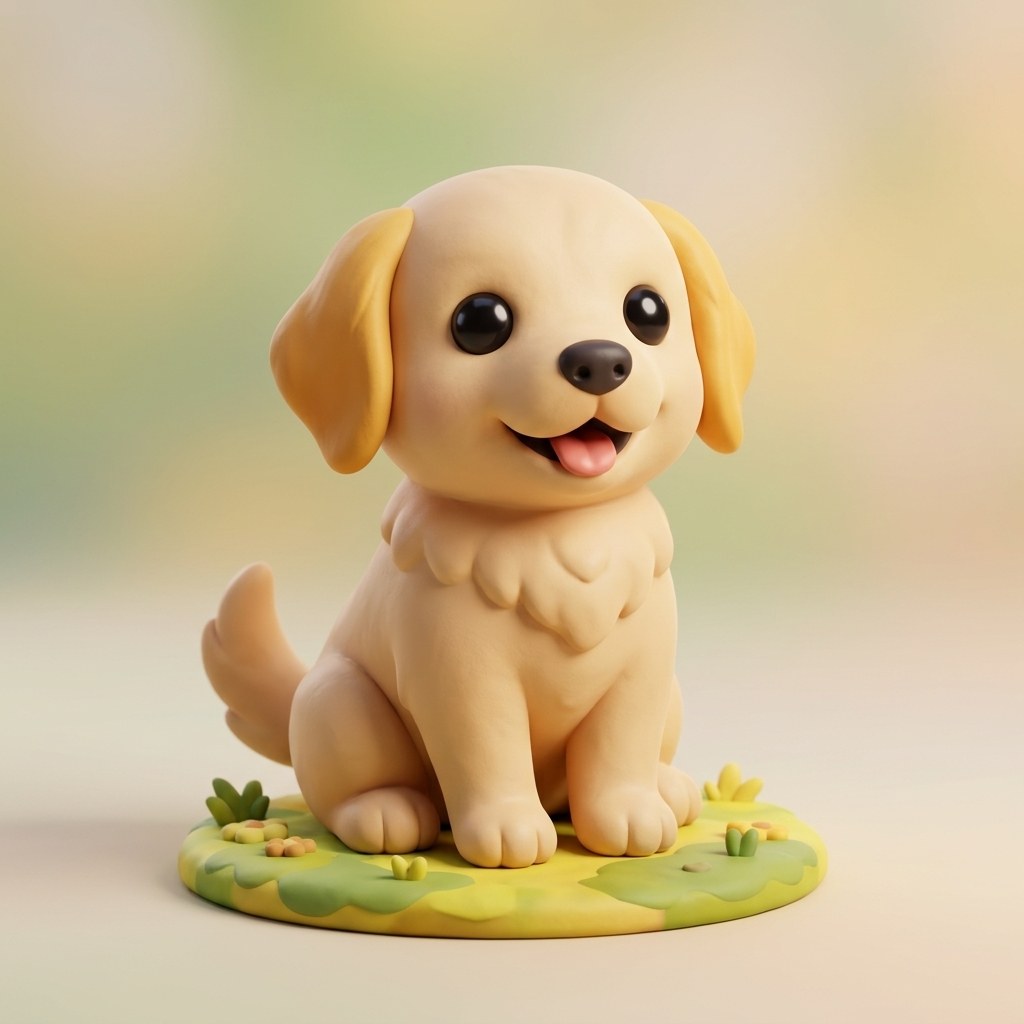
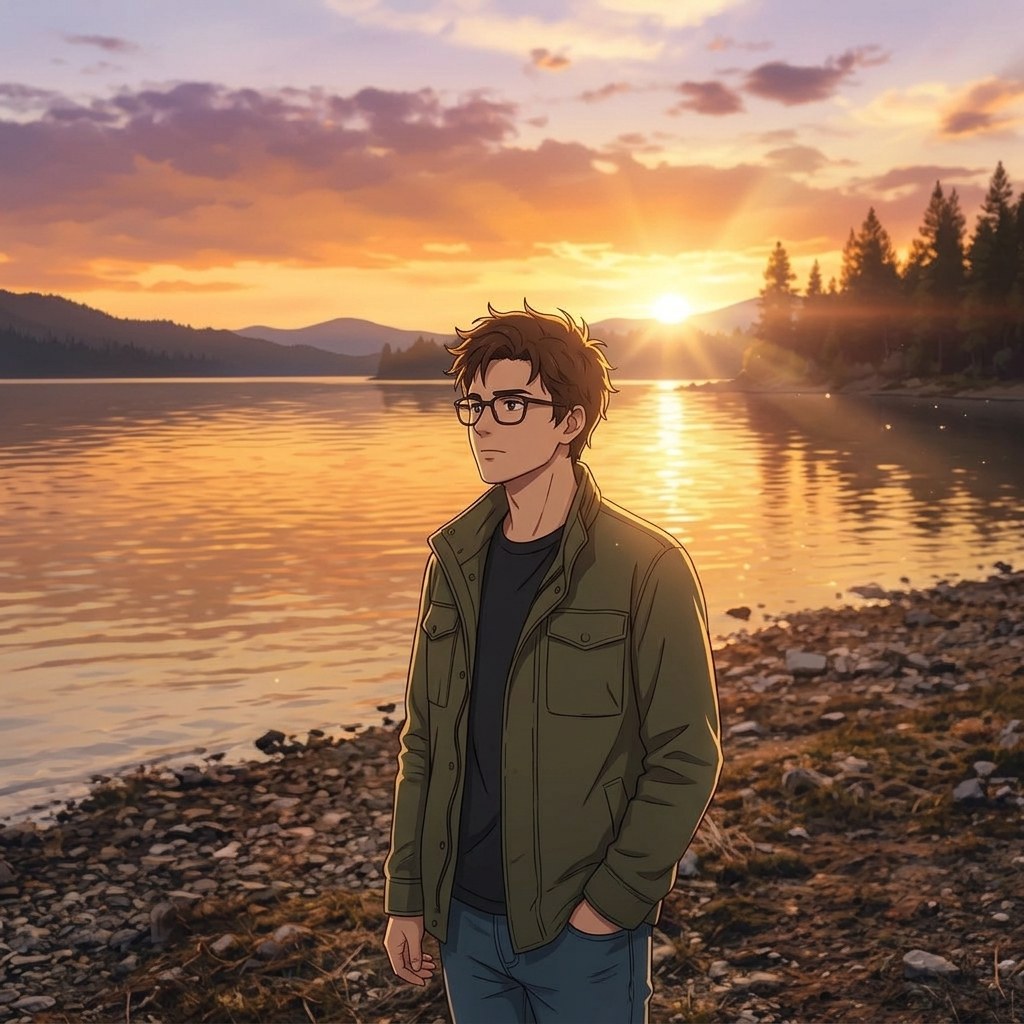
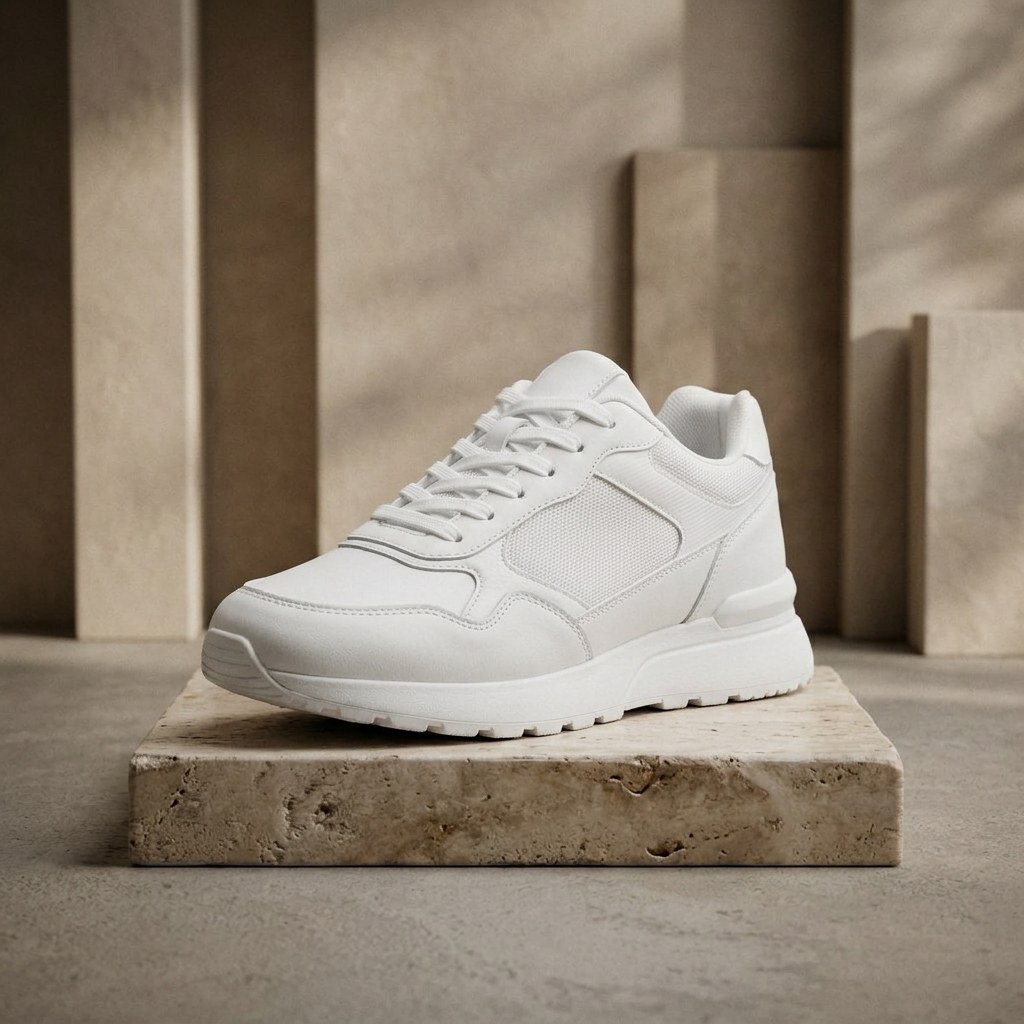
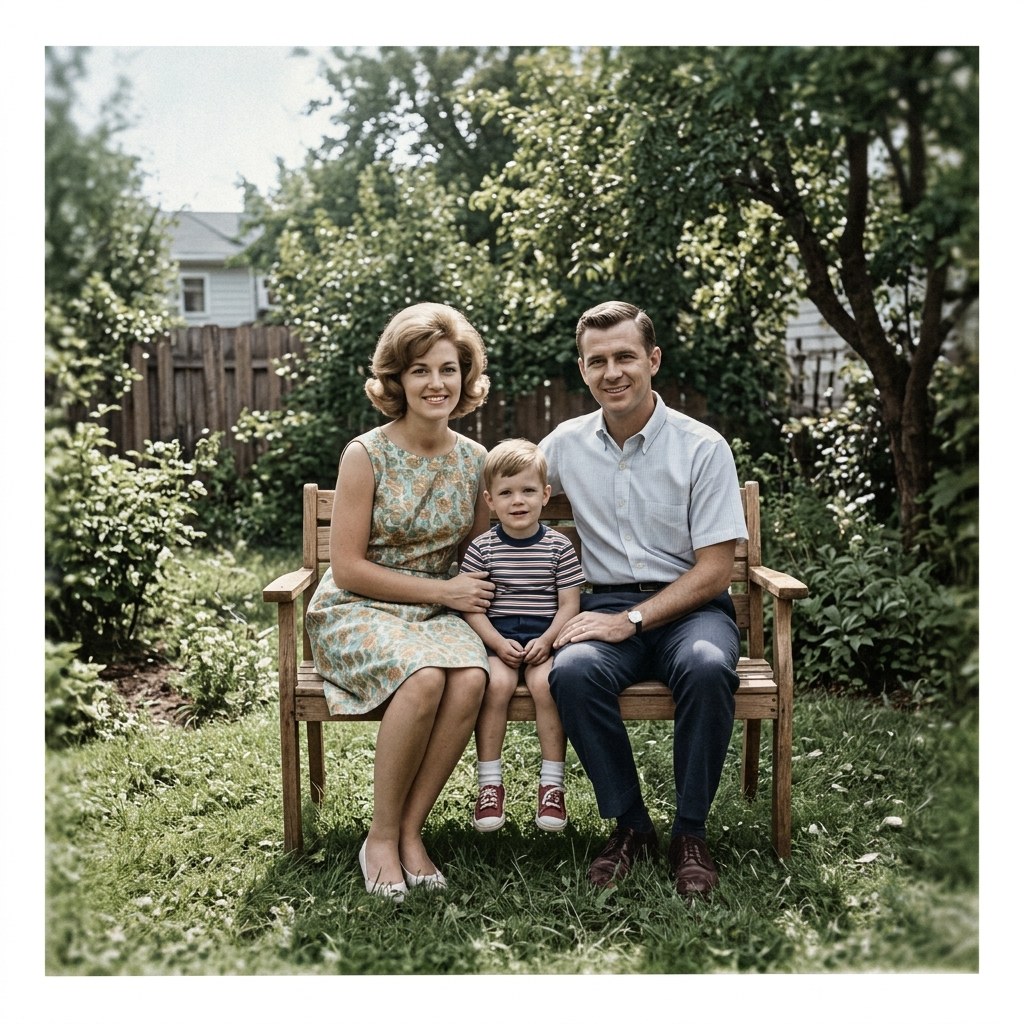
Made with ImgRemix — drag the sliders below to compare before & after.
- 3 free generations
- No sign-up
- 7 one-click styles
- 2K / 4K export
Drag & drop, paste, or click to upload
Up to 4 reference images · JPG / PNG / WebP · Files over 4MB are compressed to WebP in your browser (max edge 2048px)
0/4 images added
to save characters — upload once, reuse for every generation.
151/1000 characters · This text is sent as the edit instruction.
Or start from a preset
Selected: Character Consistency · Strength auto-set to 0.65
Model
Aspect ratio
Output resolution
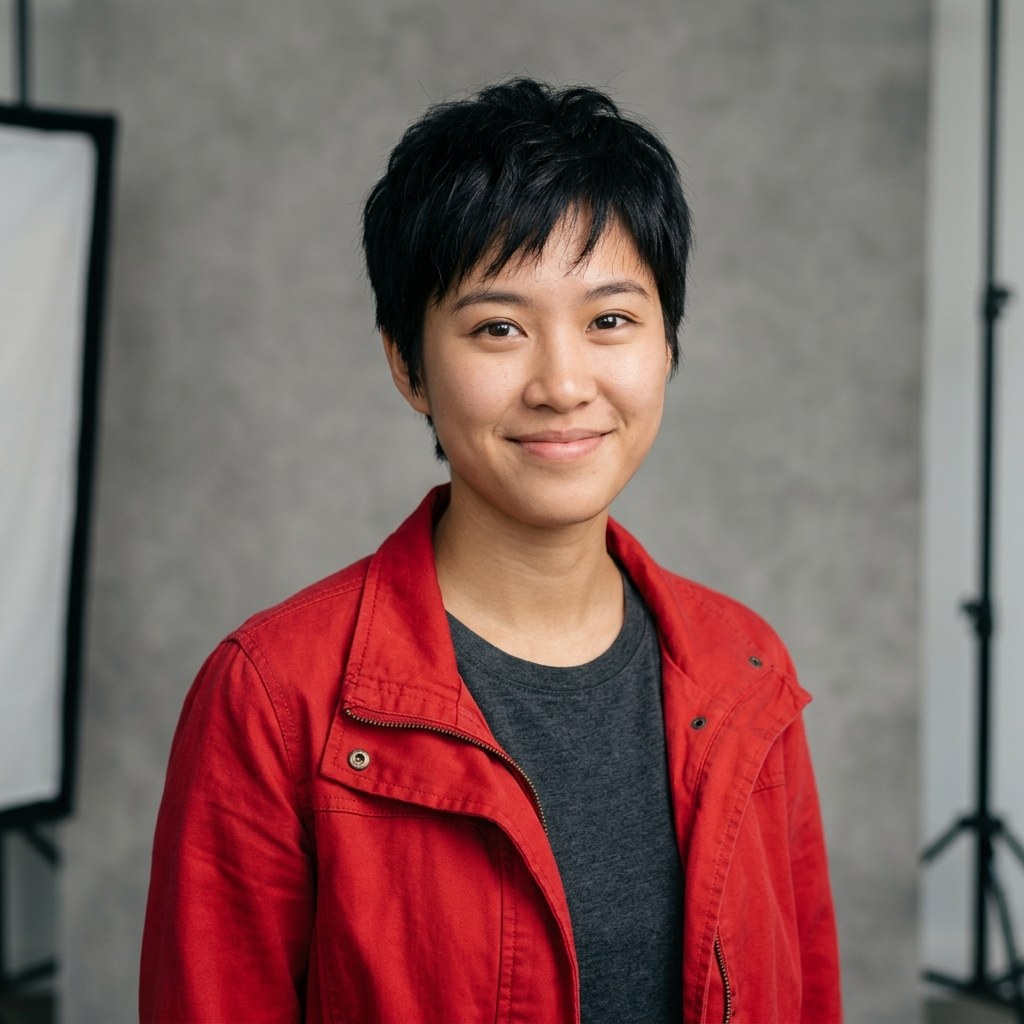
Demo preview — Same Character, New Scene. Drag the handle to compare. Your generations will appear here.
to use batch mode — up to 50 product images in one go.
First generation free · No sign-up · Fast 1.0 · 1K Standard
Results are stored for 24 hours (free tier) and served from our own storage.
See the Difference — Drag the Slider
Real transformations from the workbench above. Drag the handle to compare the original with the AI result.
Same Character, New Scene
Prompt: “Keep the exact facial features, hairstyle and outfit of the person in the reference image. Change only the scene and lighting to match the description. The new scene: a sunny Paris street at golden hour, warm sunlight, cafe terraces in the background.”

Character to Anime — Same Identity
Prompt: “Redraw the photo in a polished modern anime style. Clean line work, cel shading, vibrant colors, keep the pose and composition of the original.”

Character to 3D Clay Figure
Prompt: “Restyle the photo as a cute 3D clay render / blind-box toy figure. Soft studio lighting, smooth matte surfaces, playful proportions, clean background.”
Consistent Character AI — Where It Shines
One upload, one prompt-free preset — here is what each style is actually good for.
One character, every scene
Lock the face, hairstyle and outfit once, then place the same character on a Paris street, in a studio, in a fantasy forest. Up to 4 reference images keep the identity stable.
Character to anime — same identity
Redraw your character in anime style without losing who they are. Same face, same outfit, new art style.
Character to 3D clay figure
Turn a character portrait into a cute 3D clay blind-box figure — the same person, as a collectible toy.
Sketch to realistic photo
Upload a pencil sketch or line drawing and get a photorealistic image back. The composition and pose stay; light, texture and detail get added.
Product background swap
The product stays pixel-perfect — same shape, label and colors — while the background becomes a premium studio scene.
Old photo restore & colorize
Scratches, dust and fading removed, natural color restored, faces sharpened. A 1960s family photo comes back without losing its era.
How Consistent Character Generation Works
- 1
Upload 2–4 character references
Upload 2–4 clear reference photos of your character — front view works best, side views help. All four slots are free to try.
- 2
Describe the new scene
The Character Consistency preset is pre-selected. Describe the new scene, pose or outfit change — the face stays locked.
- 3
Generate scenes, same character
Generate and compare with the slider. Same character every time — build a full storyboard one scene at a time.
Built for Characters That Stay Themselves
Identity Lock
Up to 4 reference images lock face, hair and outfit. The same character, every scene.
Multi-Angle Reference
Front, side and detail shots combine into a stronger character reference.
4K Character Sheets
Export character sheets at 2K HD or 4K Ultra for print and production.
Scene-to-Scene Continuity
Jump from character sheet to full scene in one click — same character, new world.
Private References
Reference photos auto-delete and are never used for training.
Free to Test
Test character consistency free with no sign-up before you commit.
Frequently Asked Questions
A consistent character AI generator keeps the same person or character identical across many images — same face, hairstyle, outfit and proportions — while the scene, pose or lighting changes.
Ready to Transform Your Images?
Your first generation is free — no sign-up, no credit card. Upload a photo and see the result in under a minute.
Start Free — No Sign-Up