Free Instant Trial • No Sign-Up • No Credit Card
AI Image to Image Generator — Transform Any Photo in Seconds
Turn a reference photo into a new scene, style or character. Upload, pick a preset, generate — no prompt engineering, no sign-up, no waiting room.
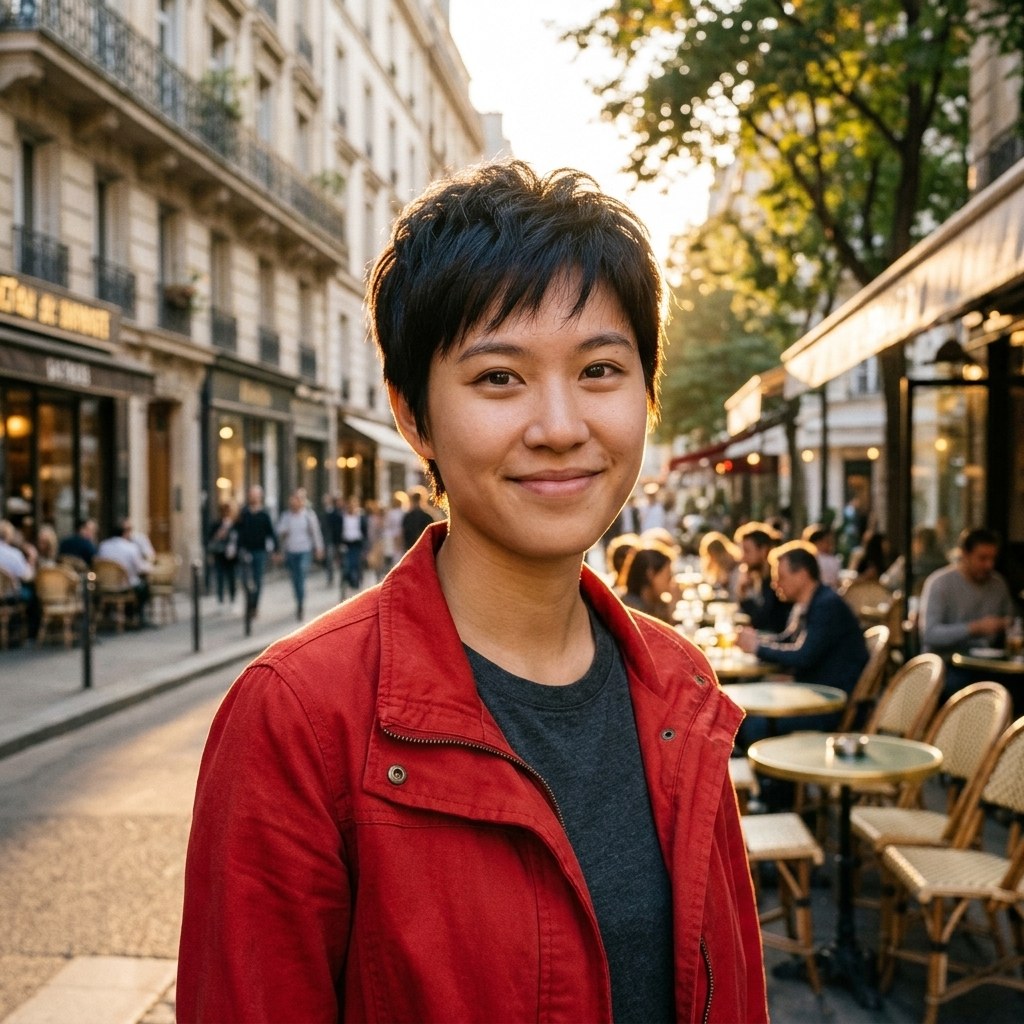
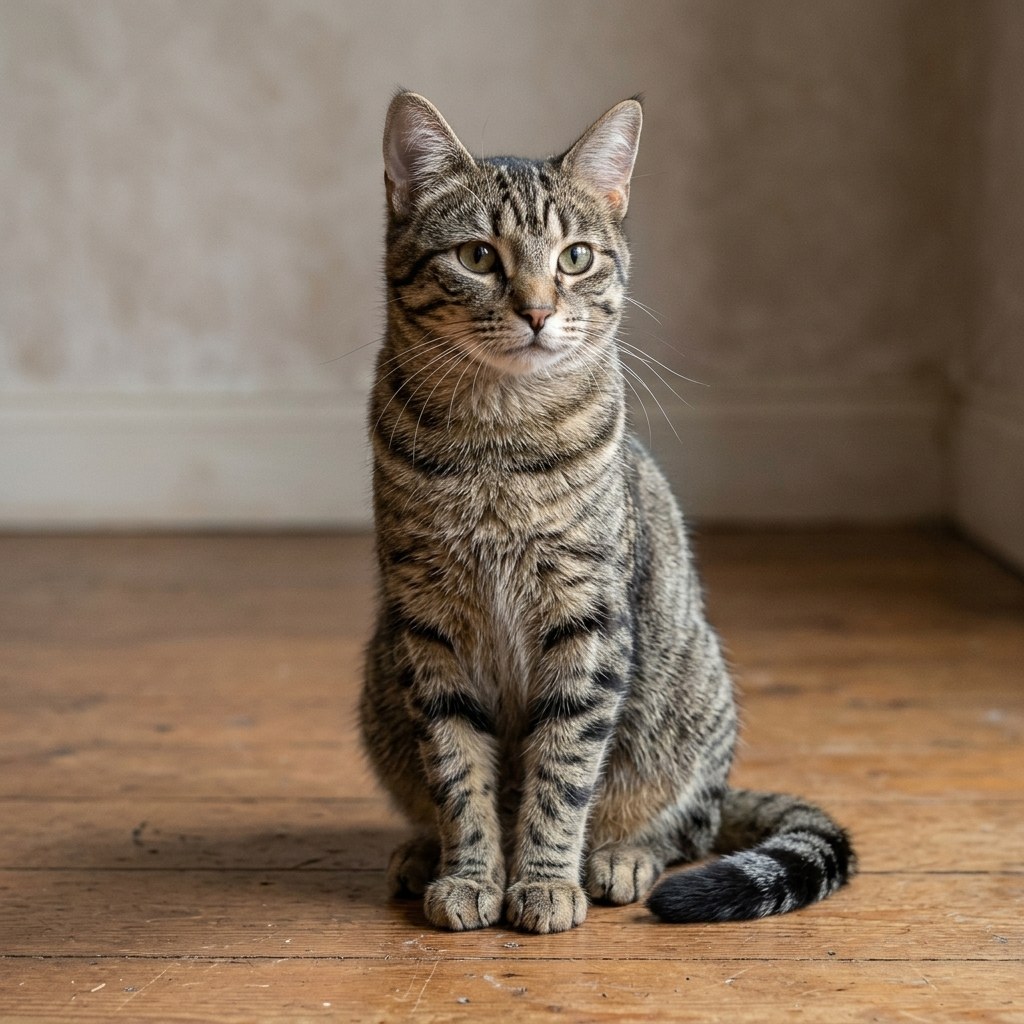
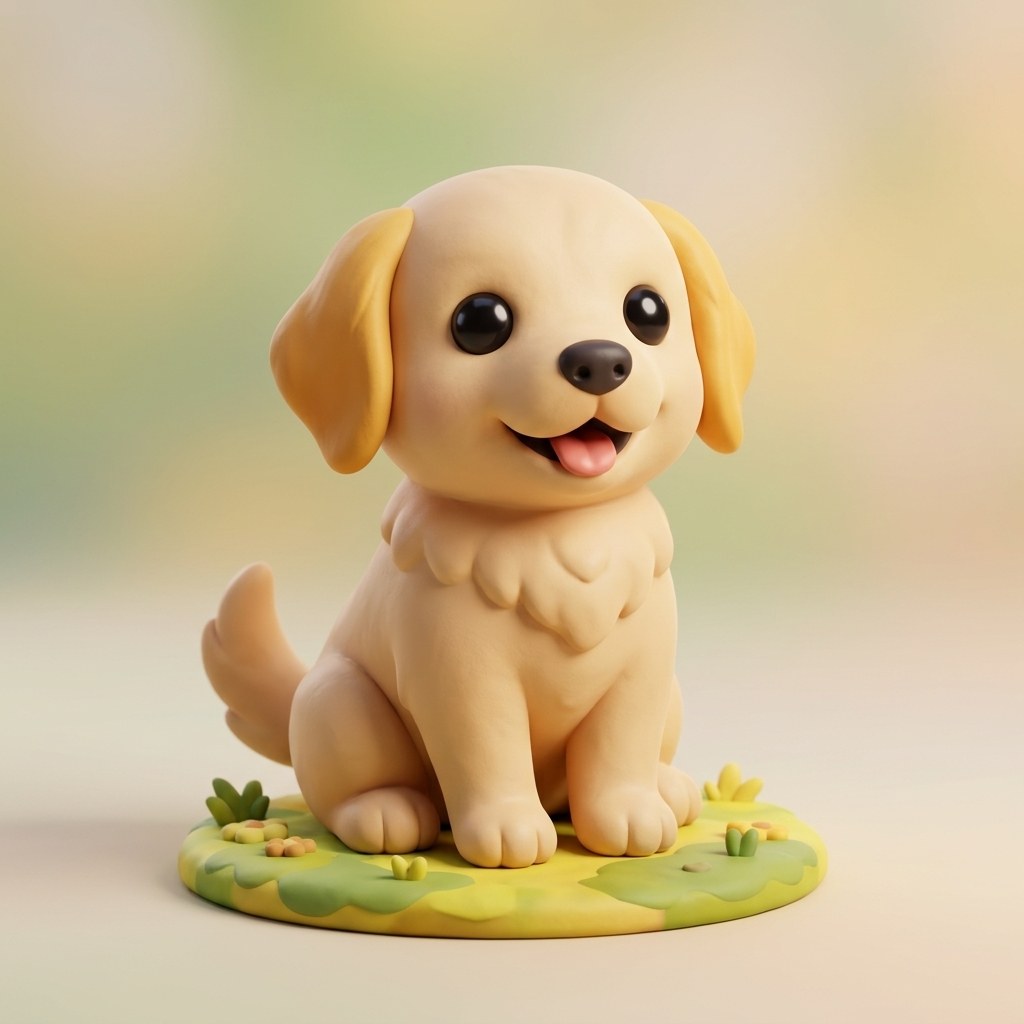
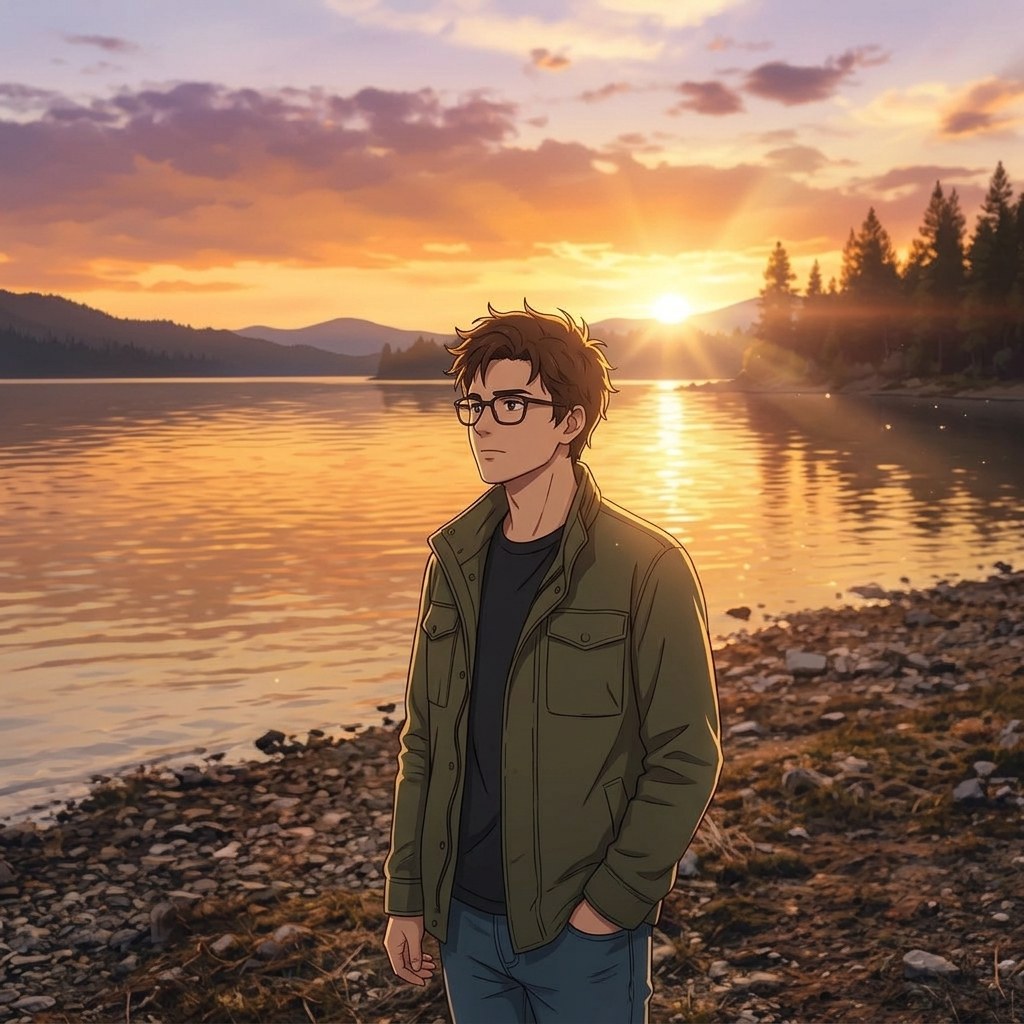
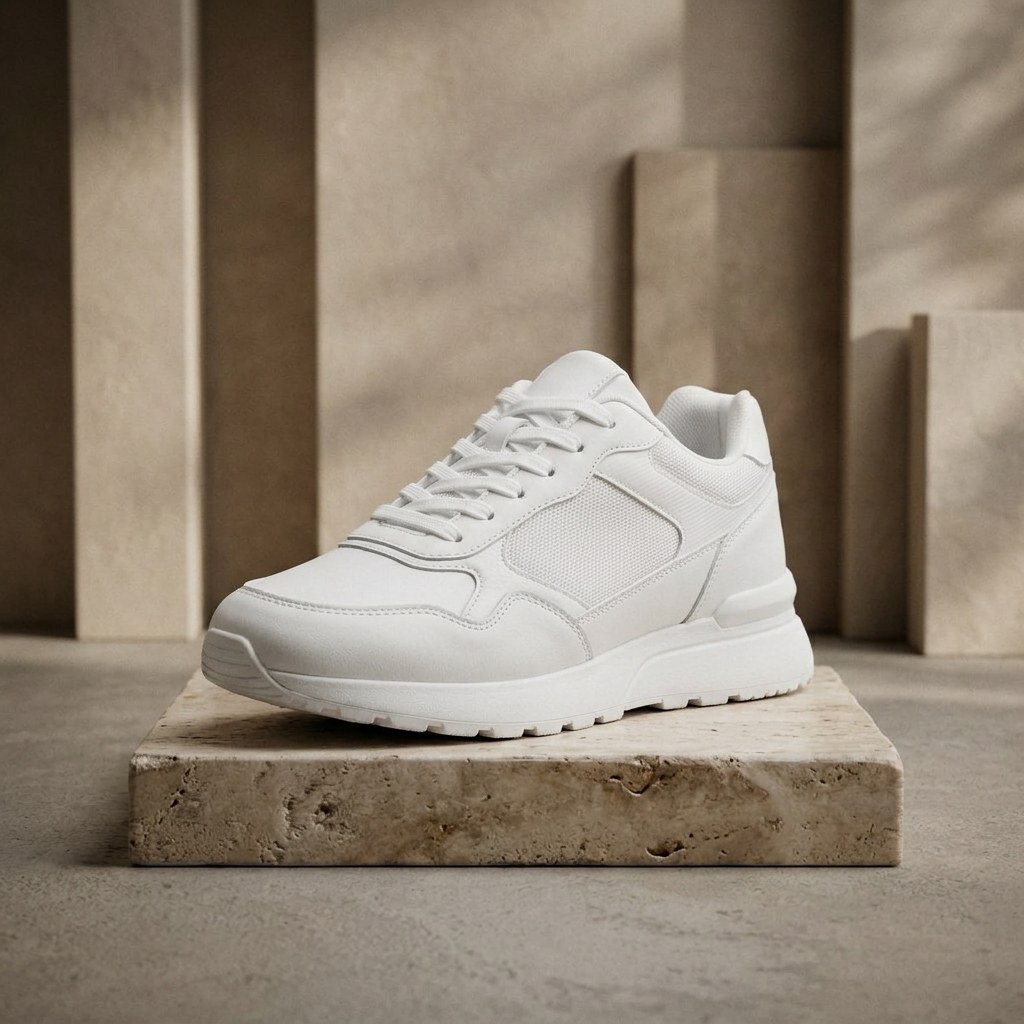
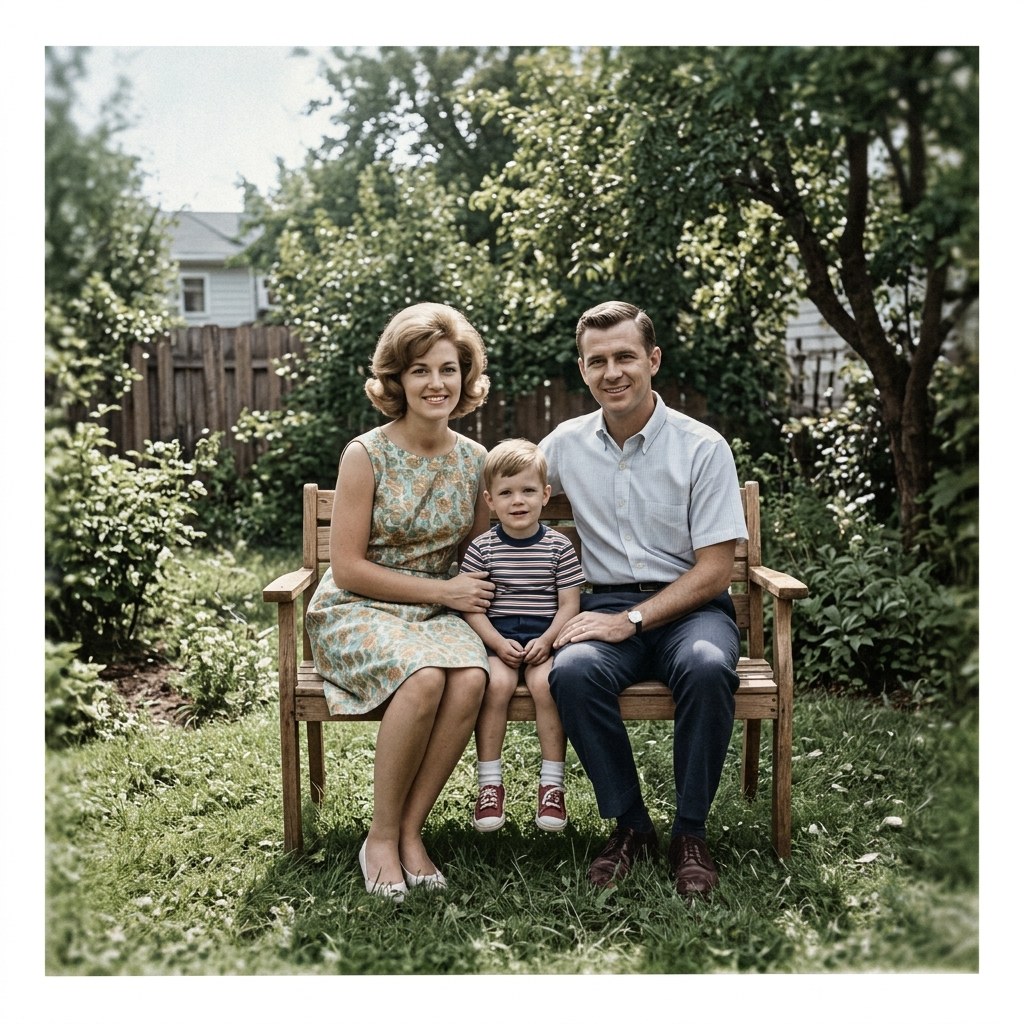
Made with ImgRemix — drag the sliders below to compare before & after.
- 3 free generations
- No sign-up
- 7 one-click styles
- 2K / 4K export
Drag & drop, paste, or click to upload
Up to 4 reference images · JPG / PNG / WebP · Files over 4MB are compressed to WebP in your browser (max edge 2048px)
0/4 images added
to save characters — upload once, reuse for every generation.
151/1000 characters · This text is sent as the edit instruction.
Or start from a preset
Selected: Character Consistency · Strength auto-set to 0.65
Model
Aspect ratio
Output resolution
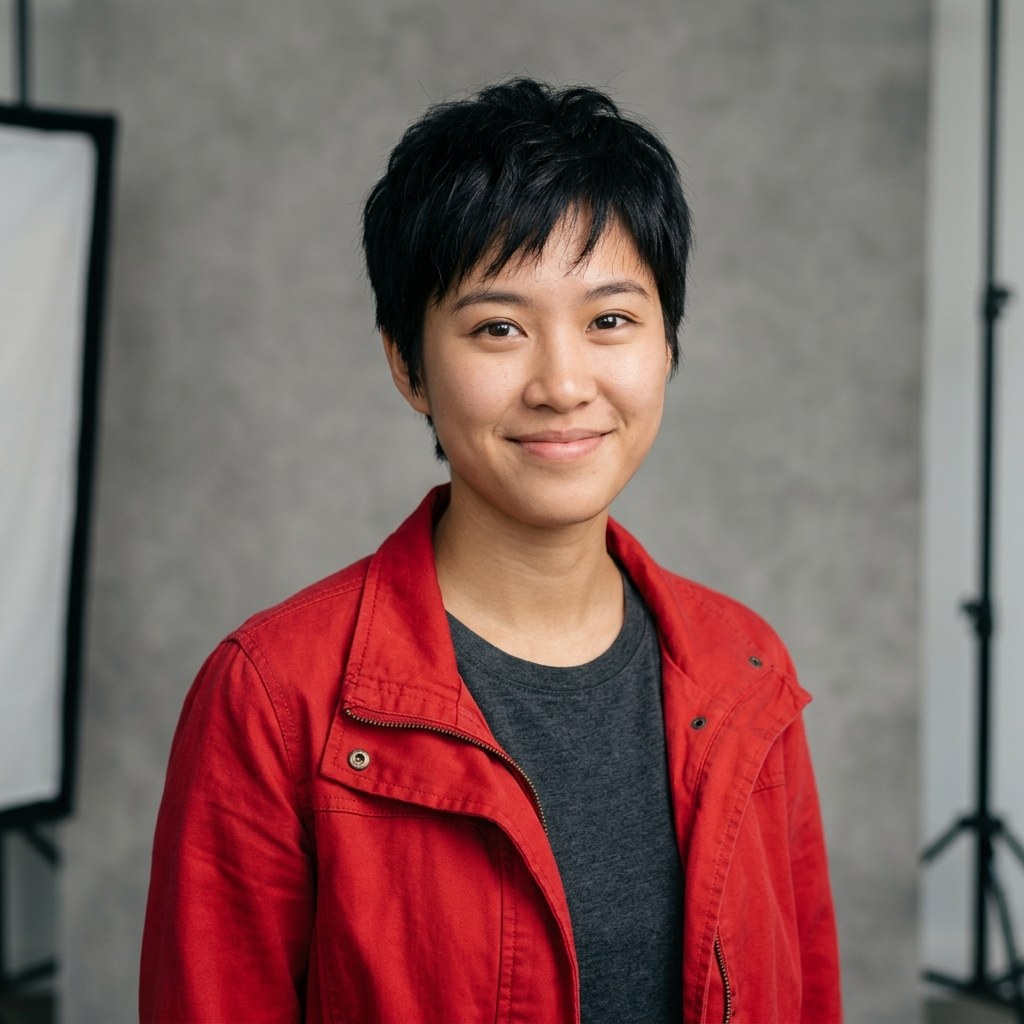
Demo preview — Same Character, New Scene. Drag the handle to compare. Your generations will appear here.
to use batch mode — up to 50 product images in one go.
First generation free · No sign-up · Fast 1.0 · 1K Standard
Results are stored for 24 hours (free tier) and served from our own storage.
See the Difference — Drag the Slider
Real transformations from the workbench above. Drag the handle to compare the original with the AI result.
Same Character, New Scene
Prompt: “Keep the exact facial features, hairstyle and outfit of the person in the reference image. Change only the scene and lighting to match the description. The new scene: a sunny Paris street at golden hour, warm sunlight, cafe terraces in the background.”

Photo to Anime Style
Prompt: “Redraw the photo in a polished modern anime style. Clean line work, cel shading, vibrant colors, keep the pose and composition of the original.”

Photo to 3D Clay Style
Prompt: “Restyle the photo as a cute 3D clay render / blind-box toy figure. Soft studio lighting, smooth matte surfaces, playful proportions, clean background.”
What Image to Image AI Is Good For
One upload, one prompt-free preset — here is what each style is actually good for.
Text-guided scene change
Describe a new scene and the AI moves your character there — same face, same outfit, new world. No Photoshop, no masking.
Sketch to realistic photo
Upload a pencil sketch or line drawing and get a photorealistic image back. The composition and pose stay; light, texture and detail get added.
Product background swap
The product stays pixel-perfect — same shape, label and colors — while the background becomes a premium studio scene. One photo, endless listings.
Old photo restore & colorize
Scratches, dust and fading removed, natural color restored, faces sharpened. A 1960s family photo comes back without losing its era.
Photo to anime style
Redraw any photo in a polished modern anime style. Clean line work, cel shading and vibrant color, with the original pose kept.
Photo to 3D clay figure
Turn a pet, portrait or product into a cute 3D clay blind-box figure. Soft studio lighting, smooth matte surfaces, playful proportions.
How the AI Image to Image Generator Works
- 1
Upload your image
Drop, paste or click to upload a photo — up to 4 reference images. Large files are compressed to WebP in your browser first.
- 2
Describe the change
Choose a preset or describe the change you want. Strength, aspect ratio and resolution are one click away.
- 3
Generate & refine
Watch the result render in seconds. Compare with the Before/After slider, upscale to 4K, or remix it again.
What Makes This AI Image to Image Generator Different
No Prompt Writing
Type nothing. One click fills the system prompt and strength for each style.
Character Lock
Multi-image reference locks identity across scenes and outfits.
Instant Free Trial
Free instant trial with no account and no credit card required.
Up to 4K Output
Export at 1K, 2K HD or 4K Ultra for print-ready results.
Privacy First
Auto-deletion (24h free / 30d paid) and no training on your photos.
4-Image Reference
Blend up to 4 reference images into one consistent generation.
Frequently Asked Questions
An AI image to image generator takes an existing photo as input and re-renders it. Text-to-image starts from a blank canvas; image-to-image keeps your subject, composition or style while changing the rest.
Ready to Transform Your Images?
Your first generation is free — no sign-up, no credit card. Upload a photo and see the result in under a minute.
Start Free — No Sign-Up