AI Photo Restoration • Scratch Removal & Colorization
Old Photo Restoration AI — Restore, Sharpen & Colorize
Turn scratched, blurry, or faded vintage pictures into sharp, vibrant portraits. Our photo restoration AI preserves authentic facial features while removing tears, dust, and colorizing naturally.
- 3 free generations
- No sign-up
- 7 one-click styles
- 2K / 4K export
Drag & drop, paste, or click to upload
Up to 4 reference images · JPG / PNG / WebP · Files over 4MB are compressed to WebP in your browser (max edge 2048px)
0/4 images added
to save characters — upload once, reuse for every generation.
0/1000 characters · Empty — using the preset's studio recipe automatically.
Or choose a preset style
Selected: Old Photo Restore & Colorize · Strength auto-set to 0.6
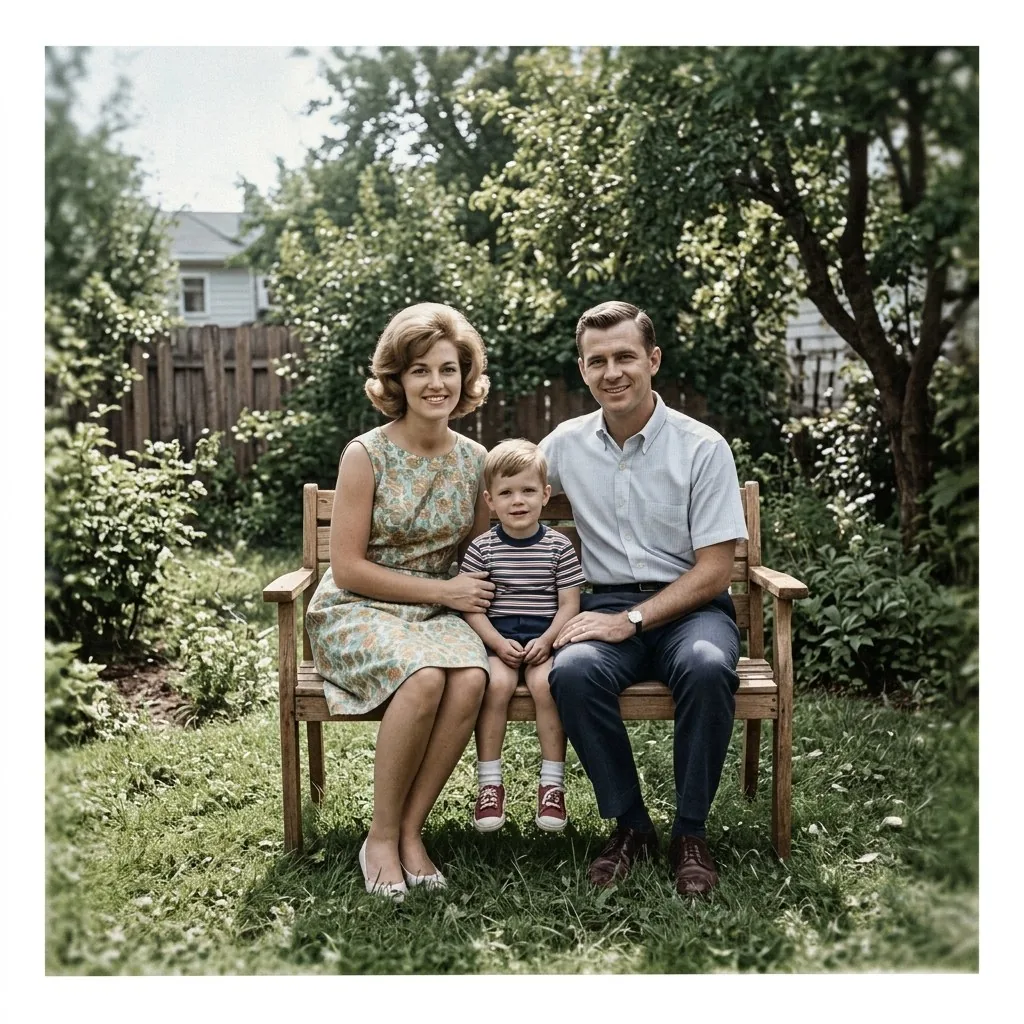
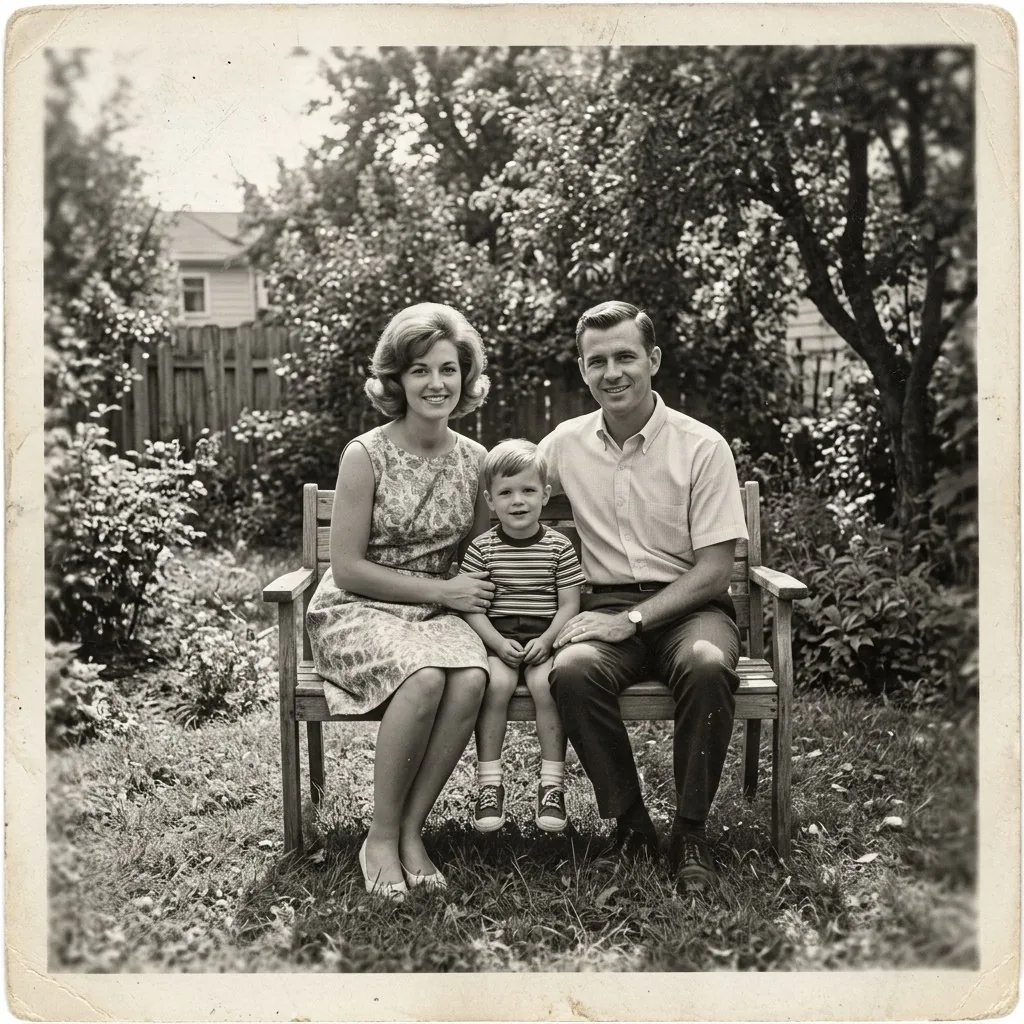
Demo preview — Vintage Portrait Scratch Repair & Realistic Colorization. Drag the handle to compare. Your generations will appear here.
Model
AI Models Info →Aspect ratio
Output resolution
to use batch mode — up to 50 product images in one go.
First generation free · No sign-up · Fast · 1K Standard
Results are stored for 24 hours (free tier) and served from our own storage.
See the Difference — Drag the Slider
Real transformations from the workbench above. Drag the handle to compare the original with the AI result.
Vintage Portrait Scratch Repair & Realistic Colorization
What You Can Restore with Photo Restoration AI
One upload, one prompt-free preset — here is what each style is actually good for.
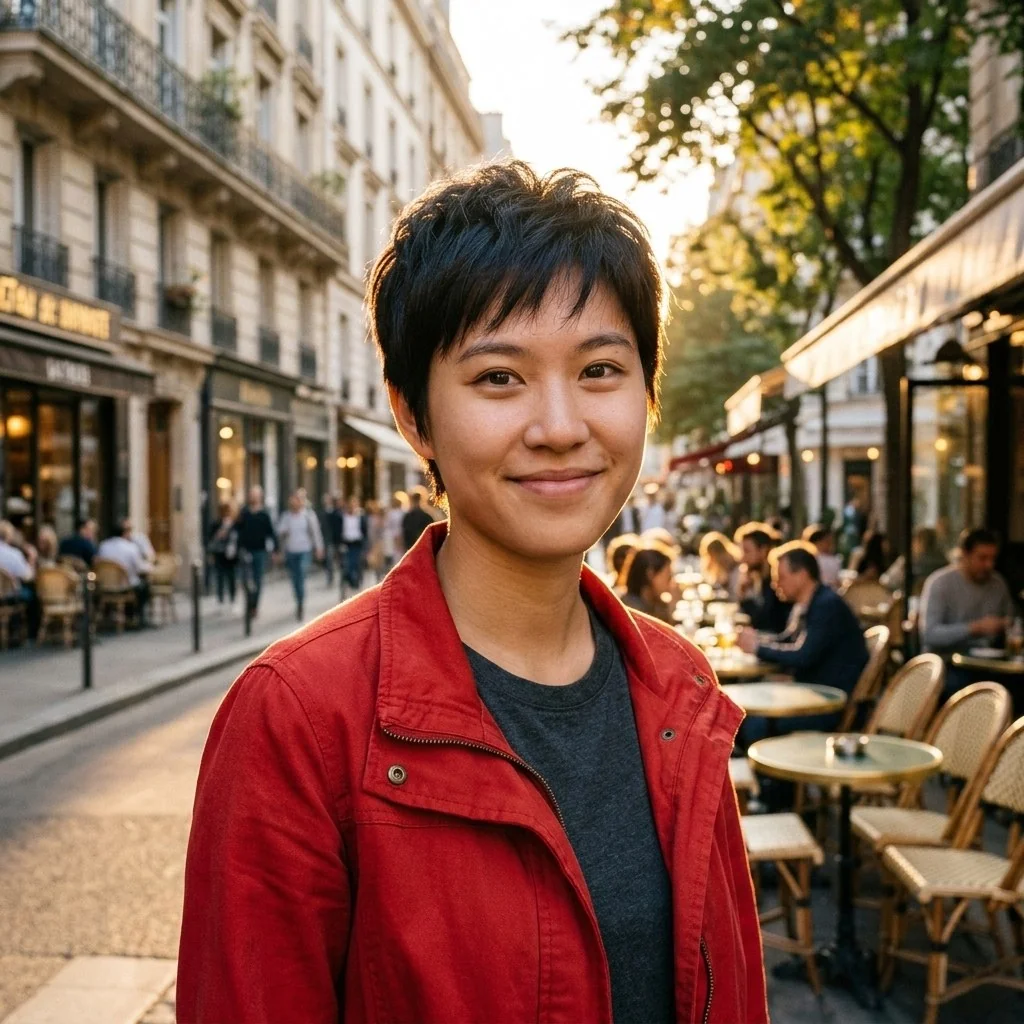
Family Heritage & Ancestry
Revitalize ancestral wedding portraits, baby pictures, and grandparents' milestone moments for future generations.
Historical Archives & Museums
Restore historical photographs, military records, and vintage community archives with period accuracy.
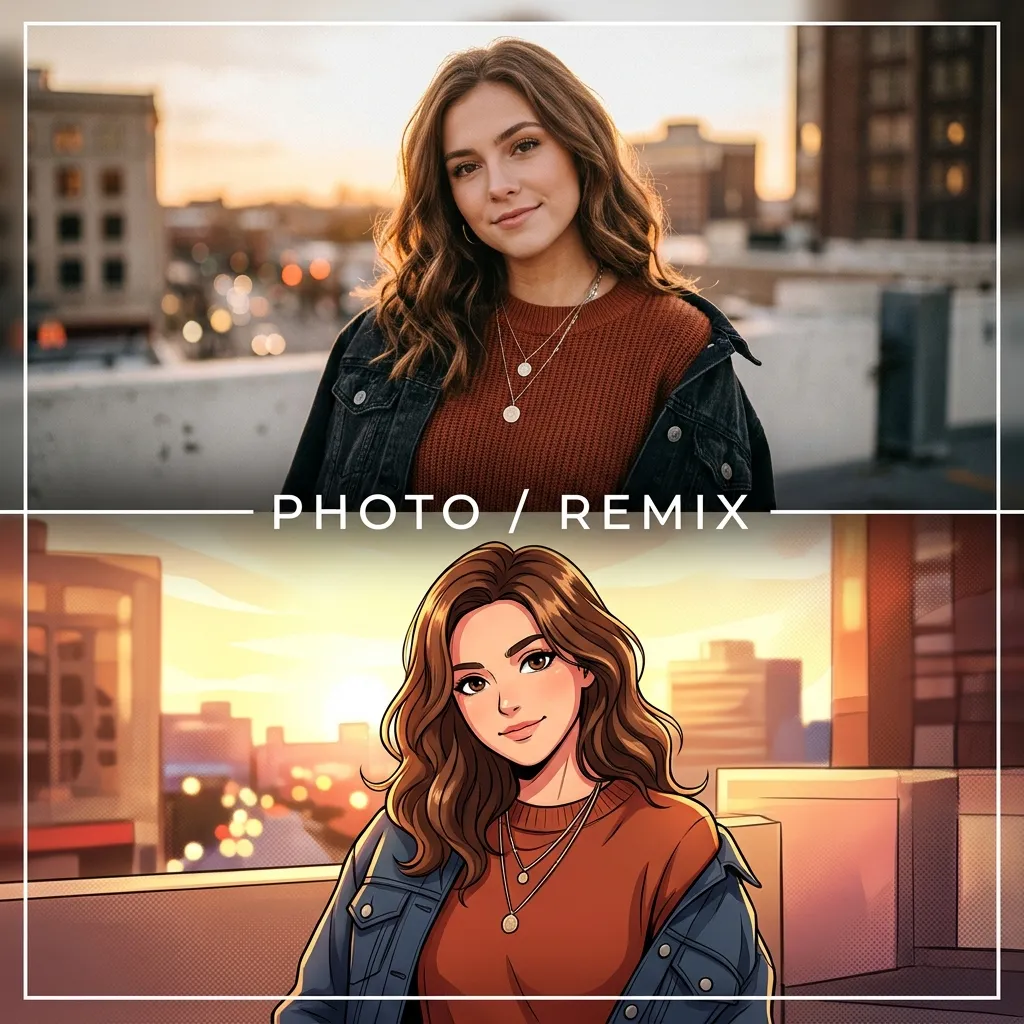
Faded 70s & 80s Color Prints
Fix severe color cast, magenta shifting, and chemical degradation typical of aged 35mm and Polaroid prints.
Meaningful Memorial Keepsakes
Produce high-resolution colorized prints as touching gifts for anniversaries, birthdays, or memorial services.
How AI Photo Restoration Works
- STEP 01
1. Upload Your Vintage Photo
Drag and drop any scan or mobile snap of an old black-and-white, sepia, or faded color print (JPG, PNG, or WebP).
- STEP 02
2. AI Restores & Colorizes
Our dual-engine model analyzes paper damage, removes scratches and dust, sharpens blurry eyes, and infuses era-appropriate colors.
- STEP 03
3. Export in Archival Quality
Download the restored masterpiece instantly. Choose 2K HD or 4K Ultra for large wall prints and digital family heirlooms.
Professional Old Photo Restoration in Your Browser
Scratch & Tear Removal
Erase physical fold creases, scratches, dust specks, and water spots without softening original background details.
Natural AI Colorization
Transform monochrome and sepia portraits into lifelike color with true-to-life skin tones, period clothing, and ambient lighting.
Facial Detail Enhancement
Unblur eyes, lips, and facial hair while strictly preserving original bone structure and recognizable likeness.
12-Second Rapid Drafts
Get instant restored results in ~12 seconds with Fast mode, or switch to Studio Pro for advertising-grade photorealism.
100% Private & Secure
Your family photos are never used to train public AI models. Uploads are strictly encrypted and auto-purged from servers.
Print-Ready 4K Resolution
Upscale small or degraded vintage wallet prints up to 4096px resolution for framing, albums, and digital displays.
Frequently Asked Questions
Old photo restoration AI uses deep learning computer vision models to identify and repair damage on vintage photographs. It analyzes surface defects like scratches, dust, and tears, reconstructs blurry facial details, and can colorize black-and-white portraits by estimating realistic pigments based on context and lighting.
Ready to Transform Your Images?
Your first generation is free — no sign-up, no credit card. Upload a photo and see the result in under a minute.
Start Free — No Sign-Up